EQUIPEngadget · 2h ago
How to tell if your smart TV has a camera (and how to disable it)
Executive Brief
The 30-second read
Executives must identify and manage integrated cameras in smart televisions to mitigate potential corporate espionage and privacy risks. Proactive hardware verification and software disabling ensure secure environments for sensitive business discussions during international travel.
- 01Locate integrated lenses by inspecting the screen bezel and lower frame for small circular apertures
- 02Disable cameras through system privacy settings to prevent unauthorized video recording and data transmission
- 03Apply physical covers over lenses to provide a fail-safe secondary layer of visual privacy protection
- 04Verify manufacturer specifications to confirm sensor presence in high-end hospitality or meeting room displays
Go deeper · Equip playbook
Business Travel Management 2026: Program Blueprint →AI-generated summary · Verify at source
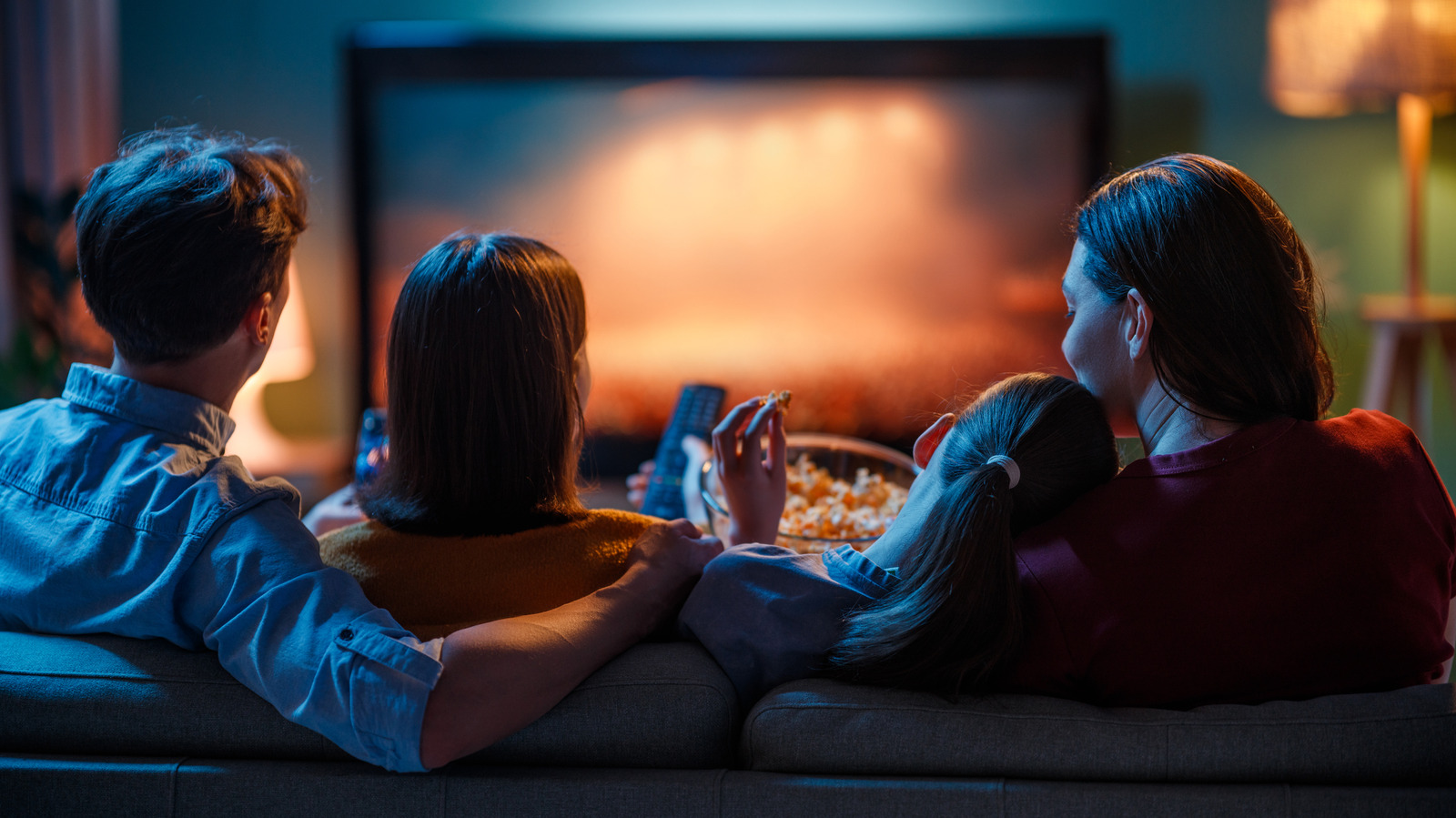
If you're concerned about privacy, then you'll want to make sure that your smart TV doesn't have a camera - and that you disable it if it does.