EQUIPEngadget · 1h ago
What to check if your Nintendo Switch 2 isn't connecting to the TV
Executive Brief
The 30-second read
This brief outlines troubleshooting procedures for the Nintendo Switch 2 when it fails to output video to external displays. Executives should verify hardware connections and docking station alignment to ensure seamless operation during presentations or travel.
- 01Verify the Nintendo Switch 2 is properly seated in the official docking station
- 02Inspect all HDMI and power cable connections for secure physical attachment
- 03Confirm the display source matches the designated HDMI port input
- 04Test hardware compatibility if utilizing third-party peripherals or alternative power adapters
Go deeper · Equip playbook
Business Travel Management 2026: Program Blueprint →AI-generated summary · Verify at source
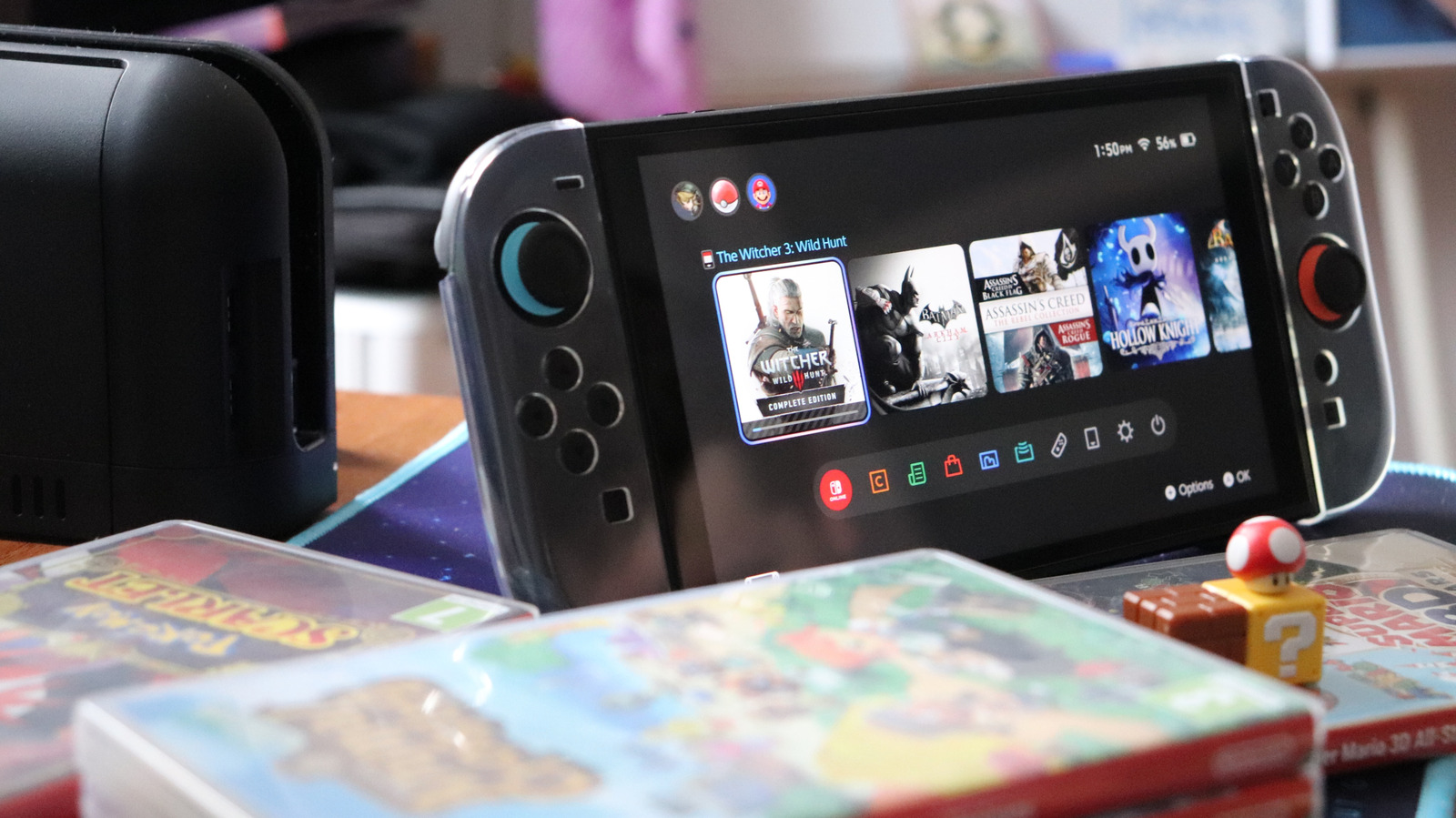
Your Nintendo Switch 2 is made to project its display to a TV. If it's not working, there are some things you should check.