EQUIPEngadget · 1h ago
How to customize the side button on your Samsung Galaxy phone
Executive Brief
The 30-second read
Samsung Galaxy devices offer native functionality for remapping the side button to enhance workflow efficiency. Executives can configure hardware shortcuts to launch critical applications or system tools beyond the default Bixby integration.
- 01Users can modify side button behavior through the Advanced Features menu in system settings
- 02Double-press actions can be assigned to open any installed application for rapid access
- 03Press and hold functions allow switching between the power off menu and Bixby assistant
- 04Customization options vary slightly across different generations of Galaxy hardware
Go deeper · Equip playbook
Business Travel Management 2026: Program Blueprint →AI-generated summary · Verify at source
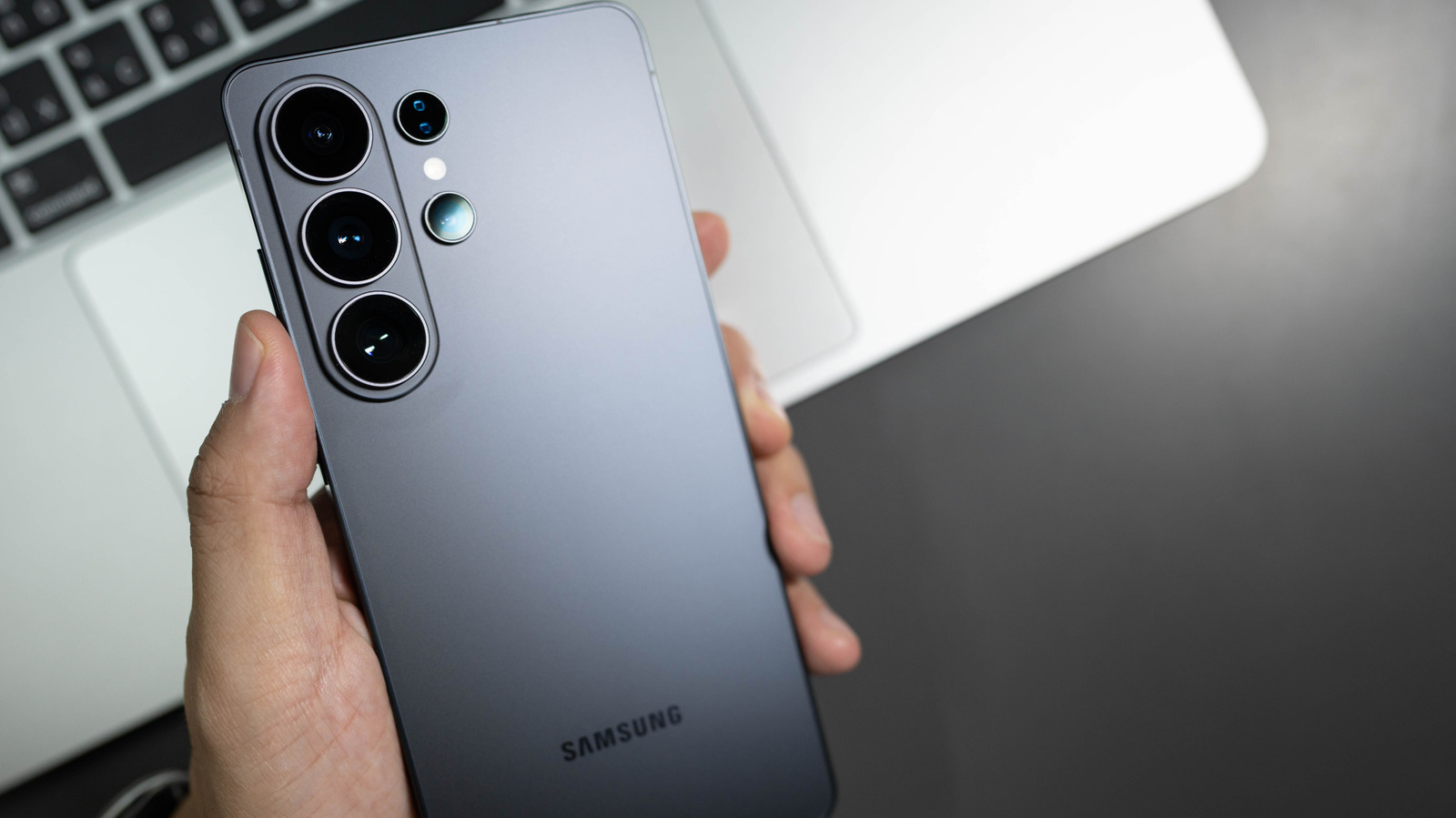
The side button on Samsung's Galaxy phones has performed different functions over the years, but you can really make it do whatever you want.