EQUIPEngadget · 1h ago
The safest and easiest way to debloat Windows 11
Executive Brief
The 30-second read
Windows 11 includes pre-installed software that may impede hardware performance and organizational efficiency. IT departments should evaluate manual removal methods and specialized software tools to optimize system resources for corporate devices.
- 01Default Windows 11 installations contain significant amounts of unnecessary pre-installed software
- 02Users can manually remove certain integrated applications to improve operating system performance
- 03Specialized debloating tools provide automated solutions for deeper system optimization requirements
- 04Reducing background software load enhances device efficiency for high-performance business applications
Go deeper · Equip playbook
Best Business Travel Management Software →AI-generated summary · Verify at source
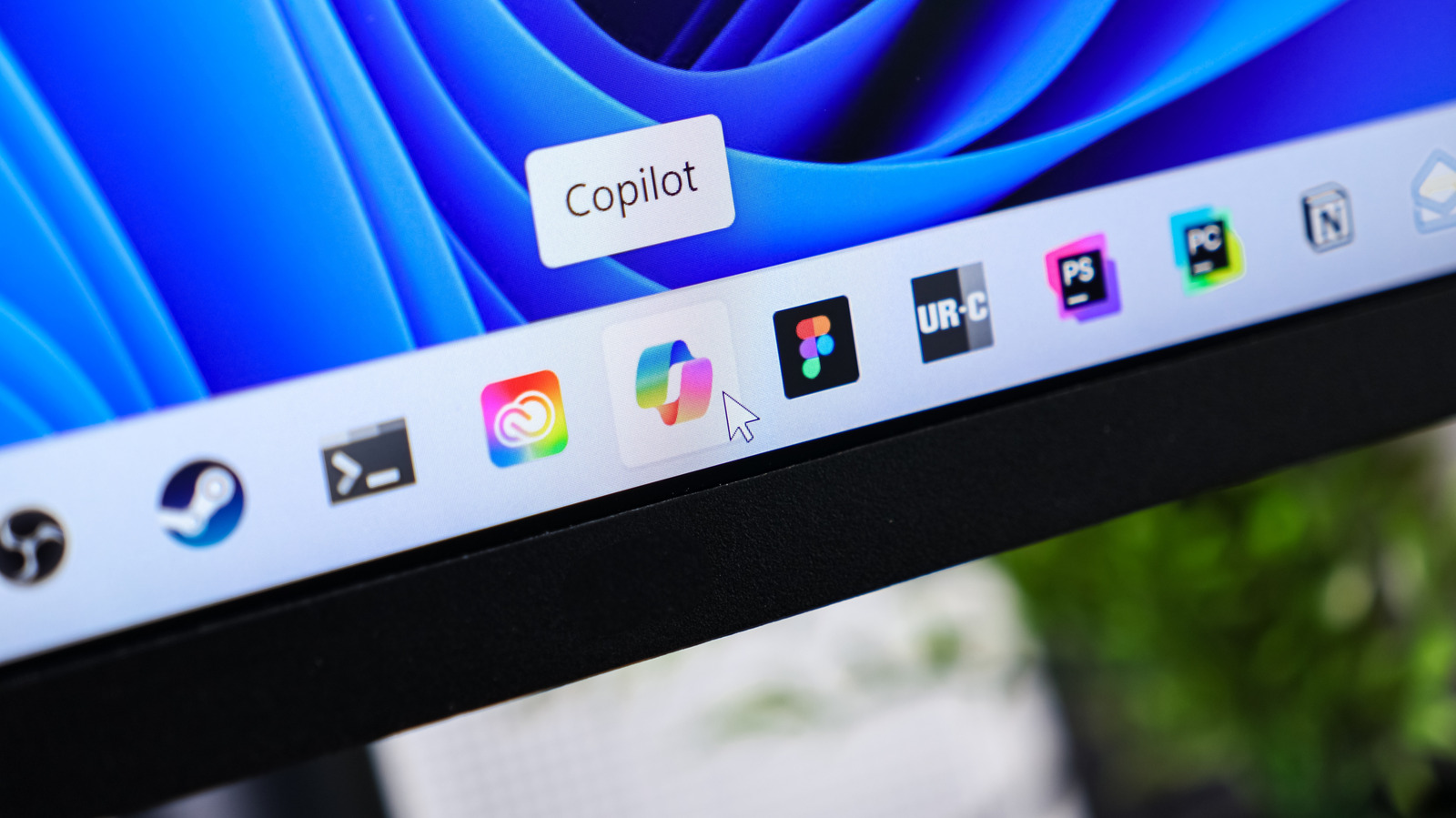
Windows 11 includes a ton of unnecessary junk, some of which you can remove manually and some of which is best handled by a tool.