EQUIPEngadget · 1h ago
How to improve audio quality on your Android phone with Bluetooth or wired headphones
Executive Brief
The 30-second read
Android users can enhance mobile audio fidelity by adjusting system-level settings and selecting compatible hardware configurations. This guide provides technical instructions for optimizing sound output through both Bluetooth and wired connections.
- 01Navigate Android system settings to optimize internal audio processing and output parameters
- 02Select high-quality Bluetooth codecs or wired headphones to improve overall listening fidelity
- 03Leverage hardware-specific configurations to maximize sound performance on mobile devices
Go deeper · Equip playbook
Business Travel Software: The 2026 Buyer's Guide →AI-generated summary · Verify at source
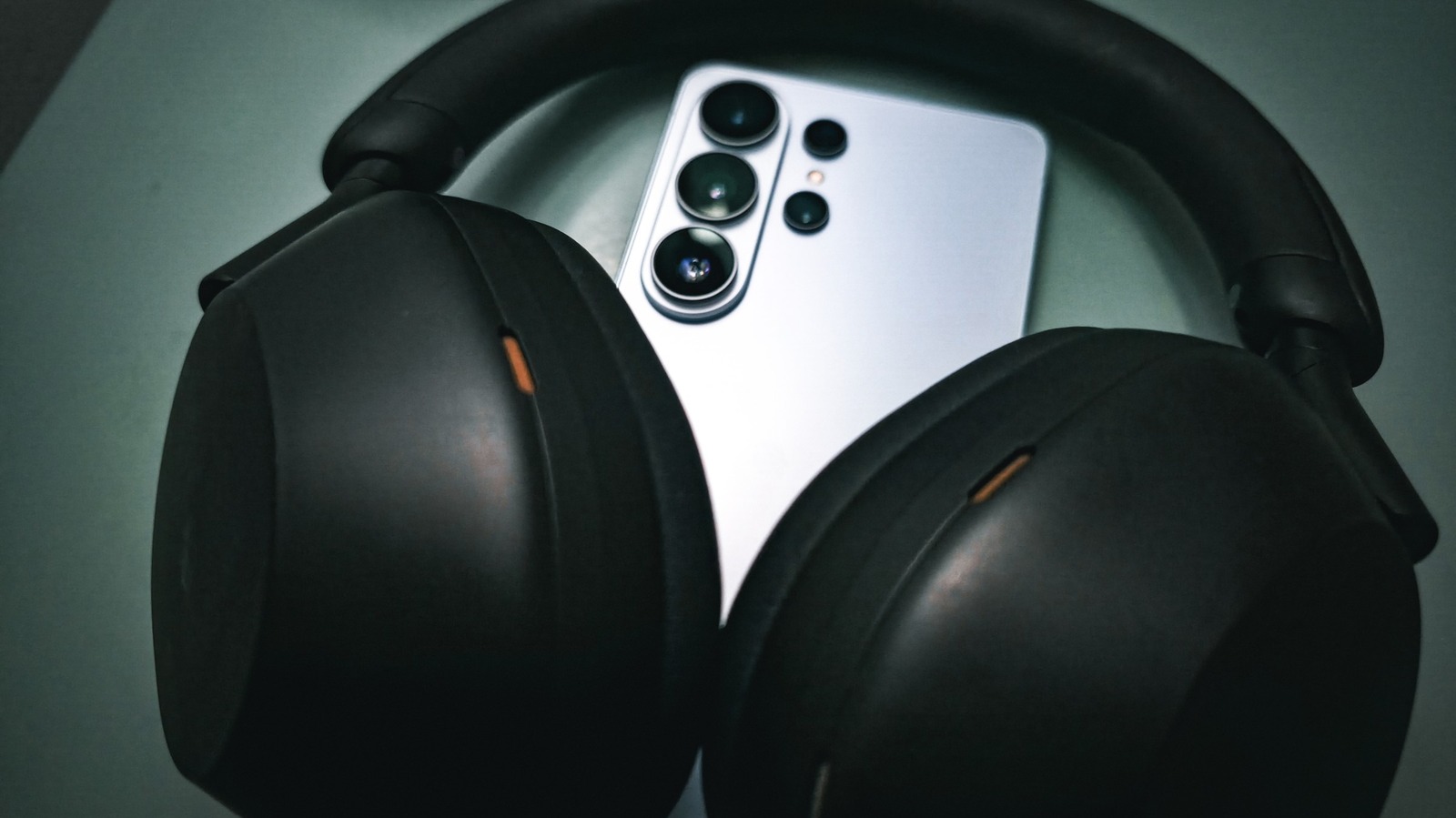
Maximizing your listening experience on Android can get very complicated, but we'll guide you through settings and headphone choices to get you there.