EQUIPEngadget · 4d ago
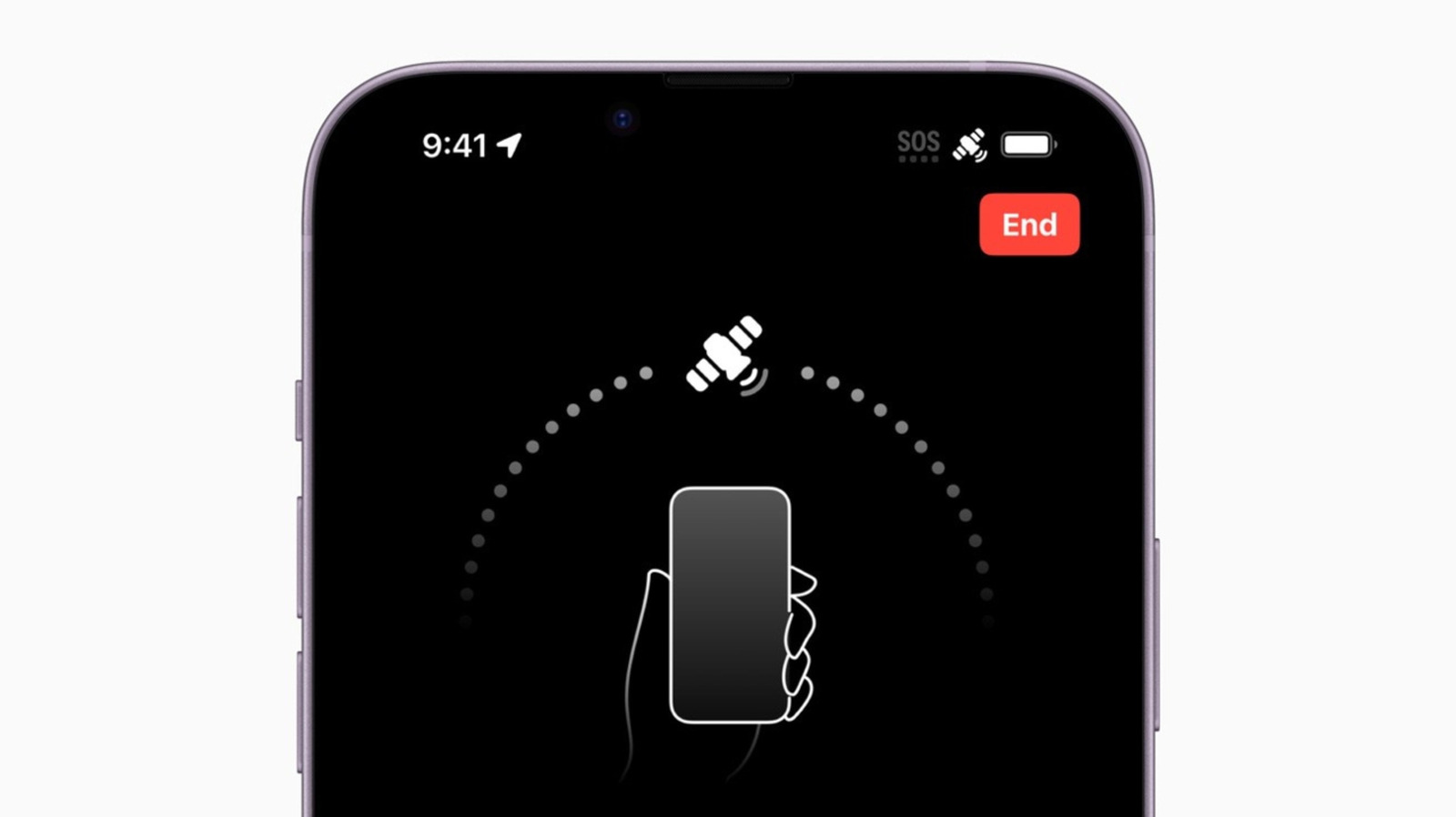
Is your iPhone stuck in SOS mode? Here's how to fix it
Executive Brief
The 30-second read
iPhone devices may occasionally become unresponsive and trapped in SOS mode, disrupting essential communication. Executives should initiate a standard device restart to resolve this connectivity software glitch effectively.
- 01Identify if the iPhone interface is locked in the emergency SOS signaling state
- 02Perform a basic power cycle by turning the hardware off and on again
- 03Verify cellular connectivity restoration following the manual device reboot process
Go deeper · Equip playbook
Business Travel Management 2026: Program Blueprint →AI-generated summary · Verify at source
Have you tried turning it off and on again?