EQUIPEngadget · 2h ago
Why your USB device keeps disconnecting (and how to fix it)
Executive Brief
The 30-second read
Technical malfunctions in USB peripherals often stem from port-level hardware or software failures rather than device defects. Executives should prioritize systematic port troubleshooting to restore connectivity and maintain operational productivity during travel.
- 01Verify hardware integrity by testing peripherals across multiple ports to isolate physical connection failures
- 02Inspect ports for physical obstructions or damage that may prevent secure data transmission
- 03Evaluate system software settings and drivers to resolve intermittent peripheral disconnection issues
- 04Implement standardized troubleshooting protocols to minimize downtime caused by essential equipment failure
Go deeper · Equip playbook
Business Travel Management 2026: Program Blueprint →AI-generated summary · Verify at source
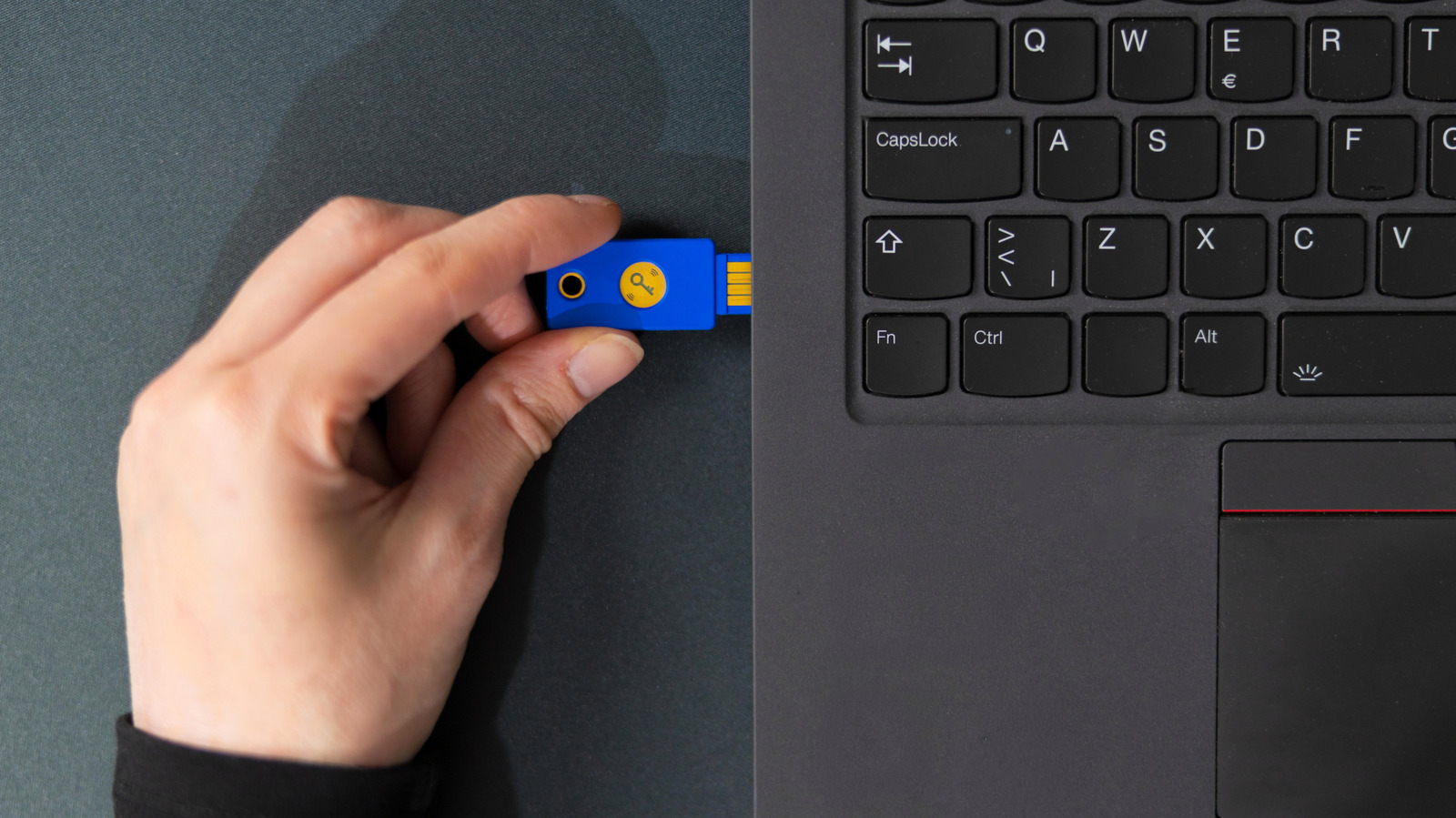
If your USB peripheral is on the fritz, it's worth doing some troubleshooting with the port itself. Give these steps a try.