EQUIPEngadget · 2h ago
How to use an iPad as a second screen for your Mac or Windows PC
Executive Brief
The 30-second read
Integrating an iPad as a secondary display enhances mobile workstation efficiency for executives traveling with limited hardware. This technical configuration provides expanded screen real estate for macOS and Windows environments to improve multitasking performance.
- 01Leverage existing tablet hardware to extend desktop workspace without purchasing additional portable monitors
- 02Utilize native Sidecar functionality for seamless integration between iPads and Mac computing systems
- 03Implement third-party software solutions to enable secondary display capabilities on Windows-based portable PCs
- 04Enhance professional productivity during transit by maximizing digital screen area for complex data review
Go deeper · Equip playbook
Business Travel Management 2026: Program Blueprint →AI-generated summary · Verify at source
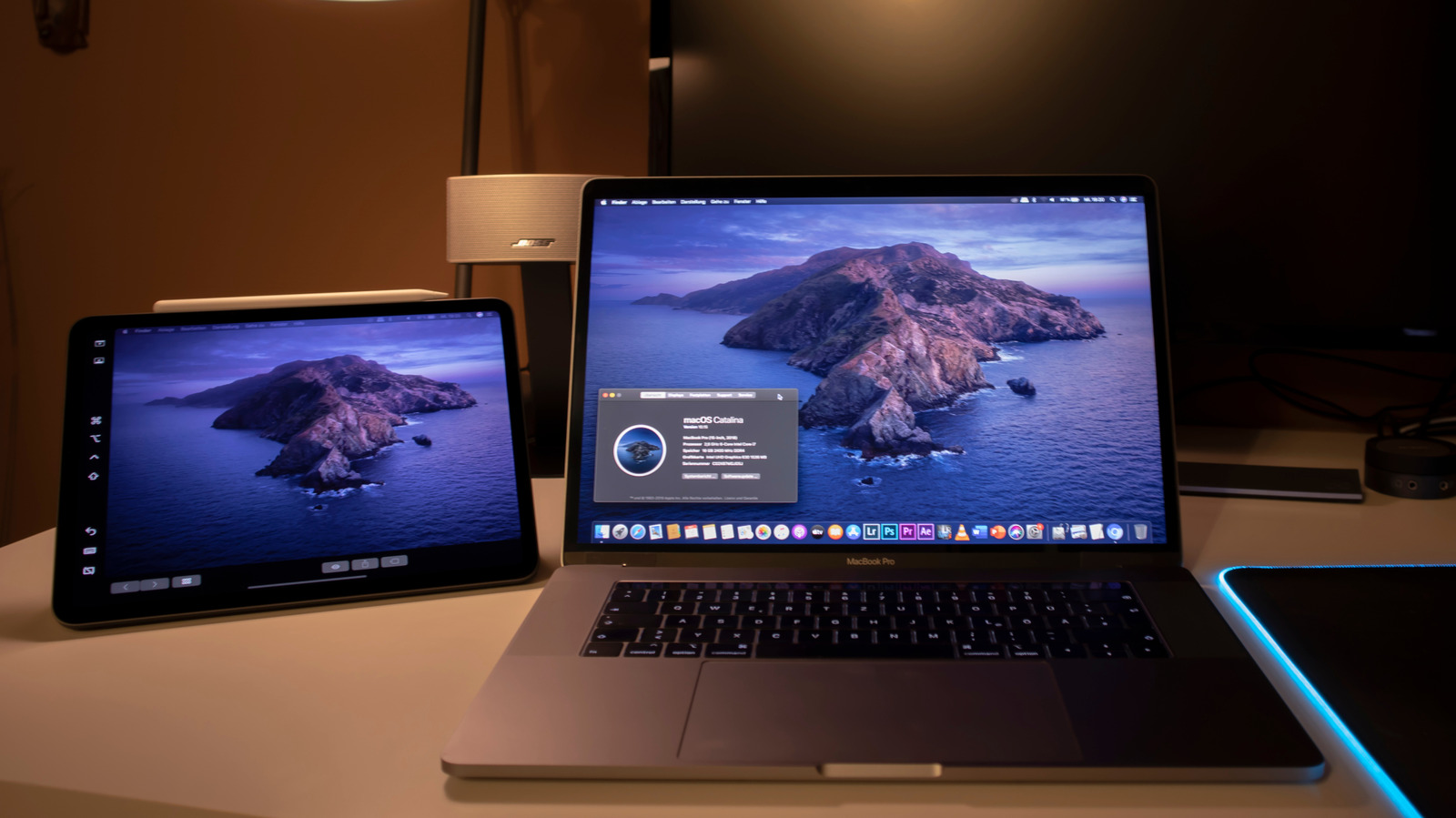
Your iPad can give your Mac or PC some much-needed extra screen space.