EQUIPEngadget · 2h ago
Why your Apple AirPods won't connect to your iPhone and how can you fix it
Executive Brief
The 30-second read
This briefing identifies common troubleshooting steps for resolving connectivity issues between Apple AirPods and iPhones. Executives can employ these systematic checks to restore device functionality and minimize communication disruptions during travel.
- 01Verify Bluetooth settings and proximity between devices to ensure initial pairing visibility
- 02Identify common software and hardware synchronization triggers that lead to connection failure
- 03Execute sequential troubleshooting steps starting with basic resets before pursuing advanced technical support
- 04Resolve typical AirPods recognition errors through internal device settings and pairing protocols
Go deeper · Equip playbook
Business Travel Management 2026: Program Blueprint →AI-generated summary · Verify at source
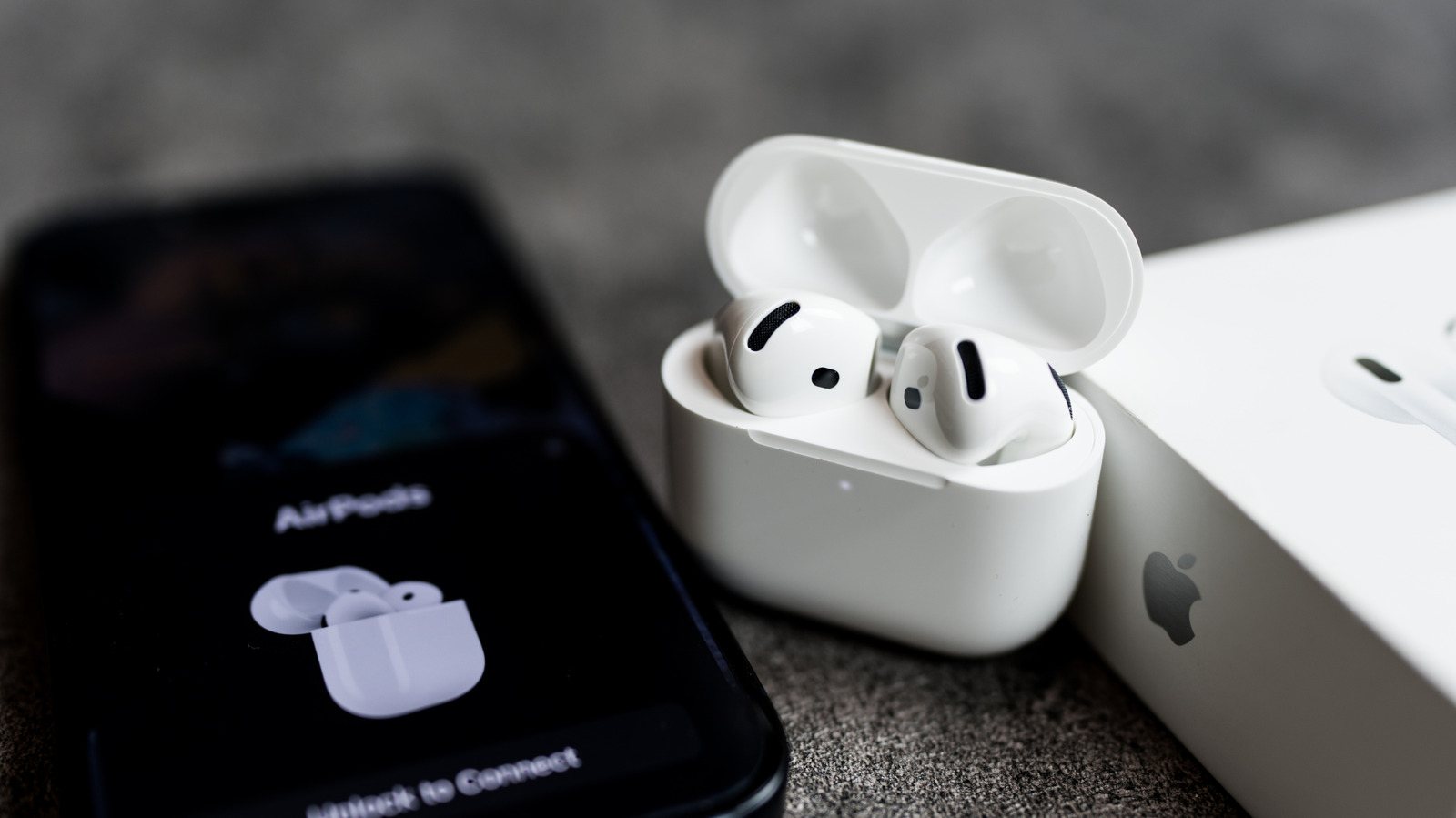
When your AirPods refuse to show up on your iPhone, the cause is usually simpler than you'd think. Here's where to look first and what to try next.