EQUIPEngadget · 2h ago
What does the orange dot on your Samsung Galaxy Watch mean?
Executive Brief
The 30-second read
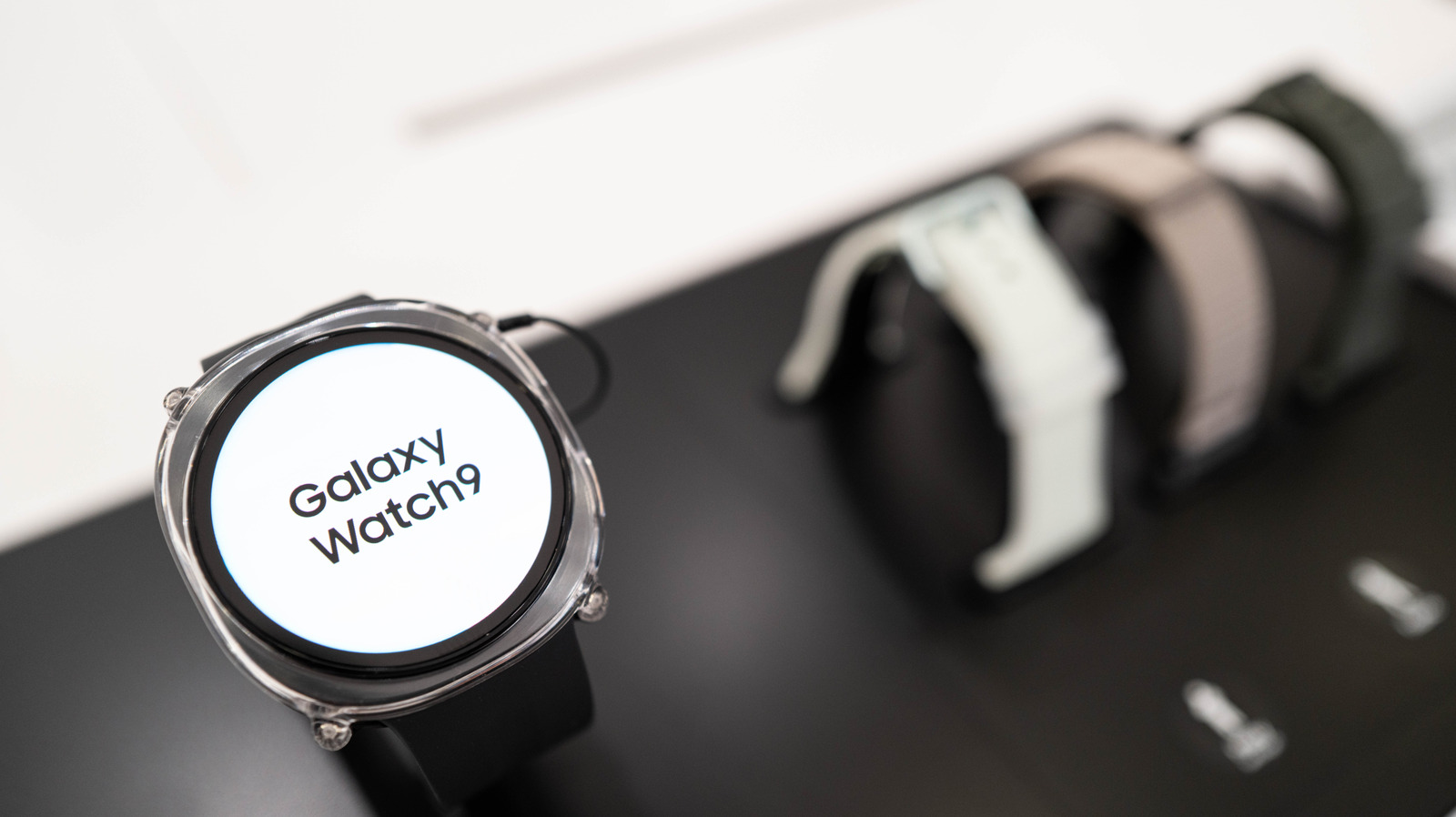
Samsung Galaxy Watch users may encounter a persistent orange indicator on the left side of the display. This visual cue serves as a dedicated system notification to alert users of unread messages or pending alerts.
- 01The orange dot indicates unread notifications on the Samsung Galaxy Watch interface
- 02It appears specifically on the left side of the wearable screen
- 03Executives can clear the indicator by reviewing or dismissing pending alerts
- 04The feature functions as a primary status alert for incoming communication
Go deeper · Equip playbook
Business Travel Management 2026: Program Blueprint →AI-generated summary · Verify at source
You might sometimes see an orange dot on the left side of your Galaxy Watch's screen. Here's what is tells you.