EQUIPEngadget · 2h ago
How to stop Siri from interrupting while you're using CarPlay
Executive Brief
The 30-second read
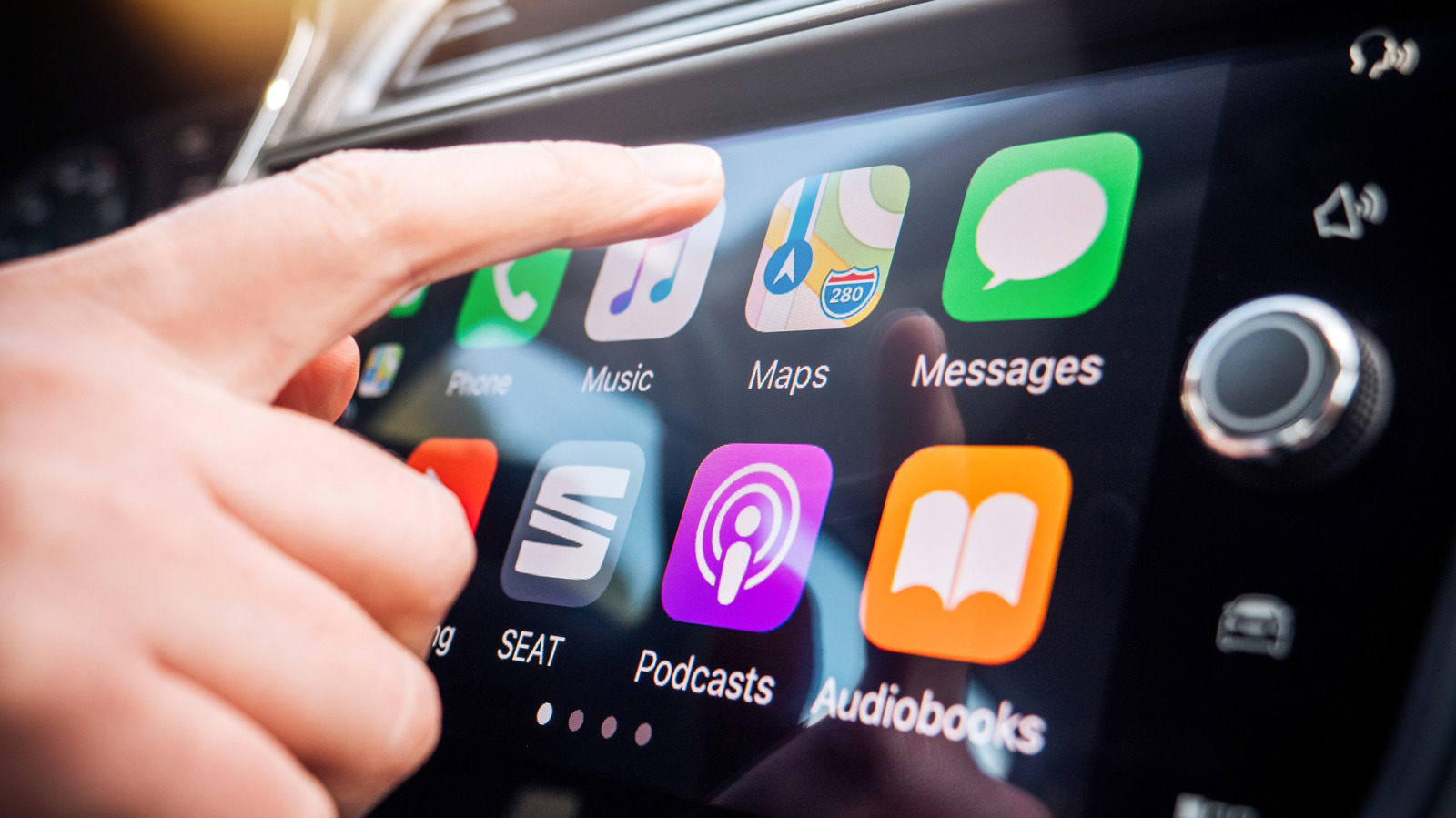
Apple CarPlay users can now adjust Siri settings to minimize audible interruptions during navigation and communication. Disabling active voice prompts reduces cognitive load and enhances safety for executives managing workflows while traveling.
- 01Configure Siri settings within the CarPlay interface to suppress unwanted voice interruptions
- 02Reduce driver distraction by transitioning from audio prompts to silent visual notifications
- 03Optimize mobile office environments by streamlining hands-free communication protocols
- 04Balance digital assistant utility with the need for focused professional concentration
Go deeper · Equip playbook
Business Travel Management 2026: Program Blueprint →AI-generated summary · Verify at source
Don't let Siri become a hassle instead of an assistant; keep it quiet in the car to reduce distractions.