EQUIPEngadget · 2d ago
Get the best battery life for your Windows laptop by changing these settings
Executive Brief
The 30-second read
Windows laptop battery endurance often suffers from unoptimized factory settings rather than hardware limitations. Executives can extend device longevity during travel by adjusting specific system configurations for maximum efficiency.
- 01Modify default Windows power configurations to prioritize energy efficiency over high performance
- 02Identify and disable background processes that contribute to unnecessary power drain
- 03Optimize display brightness and sleep timers to preserve charge during transit
- 04Adjust wireless connectivity settings to reduce passive battery consumption while traveling
Go deeper · Equip playbook
Best Business Travel Management Software →AI-generated summary · Verify at source
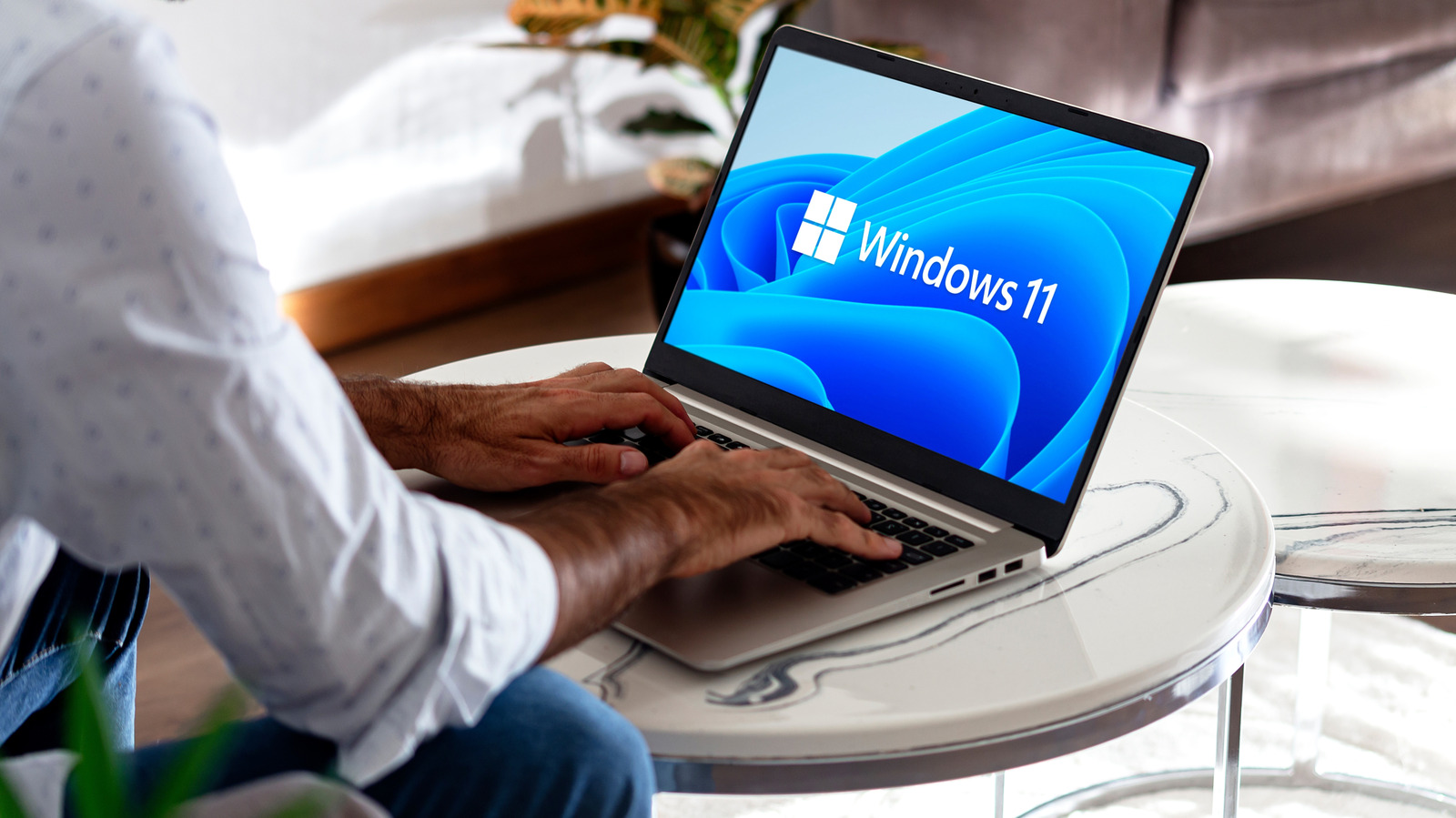
Windows laptops aren't known for having excellent battery life, but a lot of that is because of unoptimized settings. Change these for big improvements.