EQUIPEngadget · 1h ago
How to fix scaling and app size issues on your Samsung Galaxy Z Fold 8
Executive Brief
The 30-second read
Samsung Galaxy Z Fold 8 users can resolve application scaling and display size inconsistencies through specific device settings. This technical guide provides troubleshooting steps to ensure optimal software performance on foldable hardware.
- 01Address display irregularities caused by the unique aspect ratios of foldable screens
- 02Configure application settings to ensure software scales correctly across internal and external displays
- 03Resolve common app size issues inherent to the latest Samsung foldable hardware generation
Go deeper · Equip playbook
Business Travel Management 2026: Program Blueprint →AI-generated summary · Verify at source
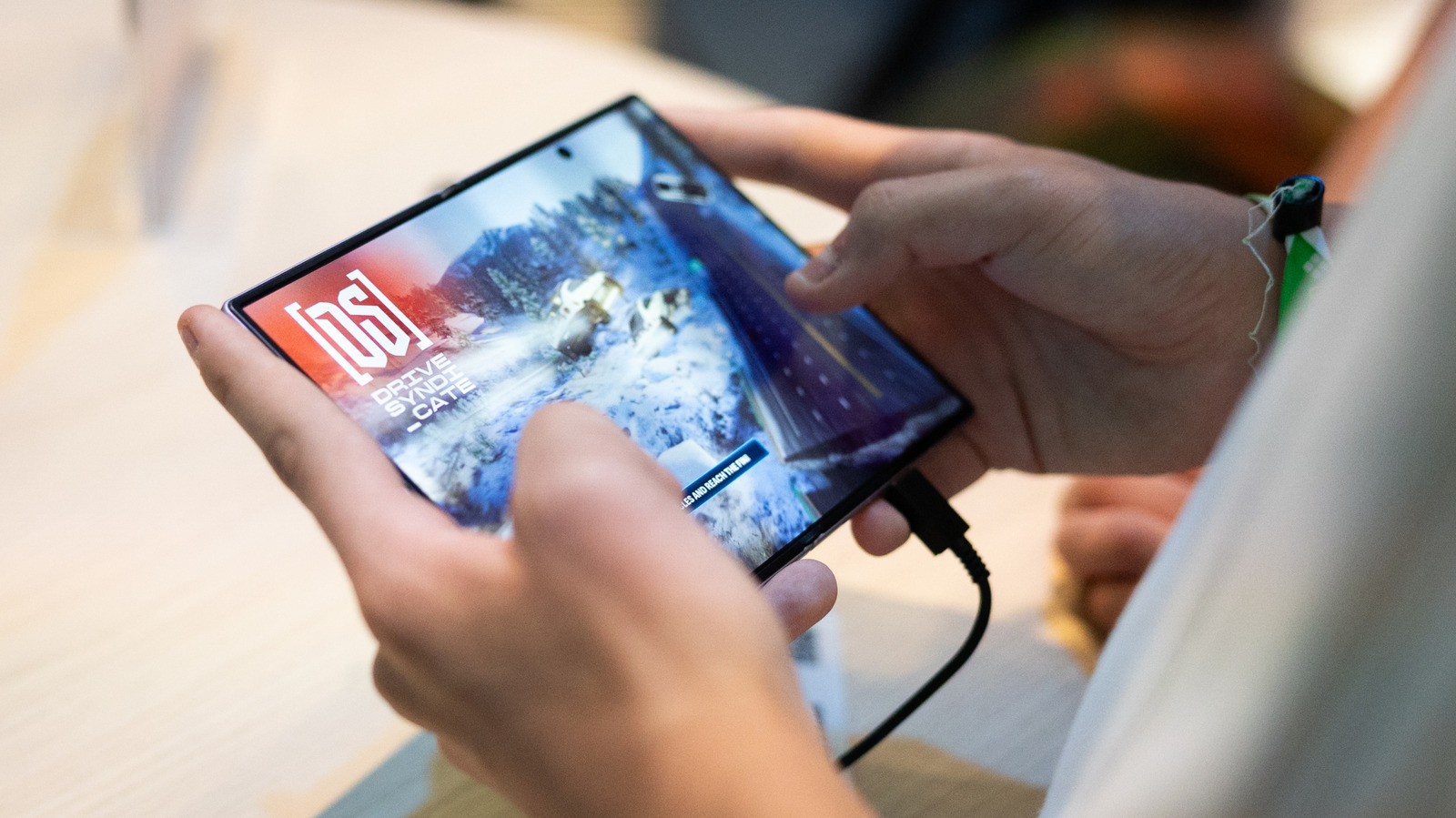
If you have trouble getting apps to scale properly on your foldable, read on.