EQUIPEngadget · 2d ago
Why your Roku might be plugged into the wrong HDMI port
Executive Brief
The 30-second read
Optimizing Roku device performance requires selecting the appropriate HDMI port based on specific hardware capabilities. While less sensitive than gaming consoles, correct port allocation ensures maximum audiovisual fidelity and system stability.
- 01Identify specific HDMI port standards to ensure compatibility with Roku hardware requirements
- 02Prioritize high-bandwidth ports for 4K streaming despite lower sensitivity compared to gaming consoles
- 03Reserve specialized ports like HDMI ARC or eARC for dedicated audio equipment and soundbars
- 04Verify port specifications to prevent bottlenecking device performance during high-resolution playback
Go deeper · Equip playbook
Business Travel Management 2026: Program Blueprint →AI-generated summary · Verify at source
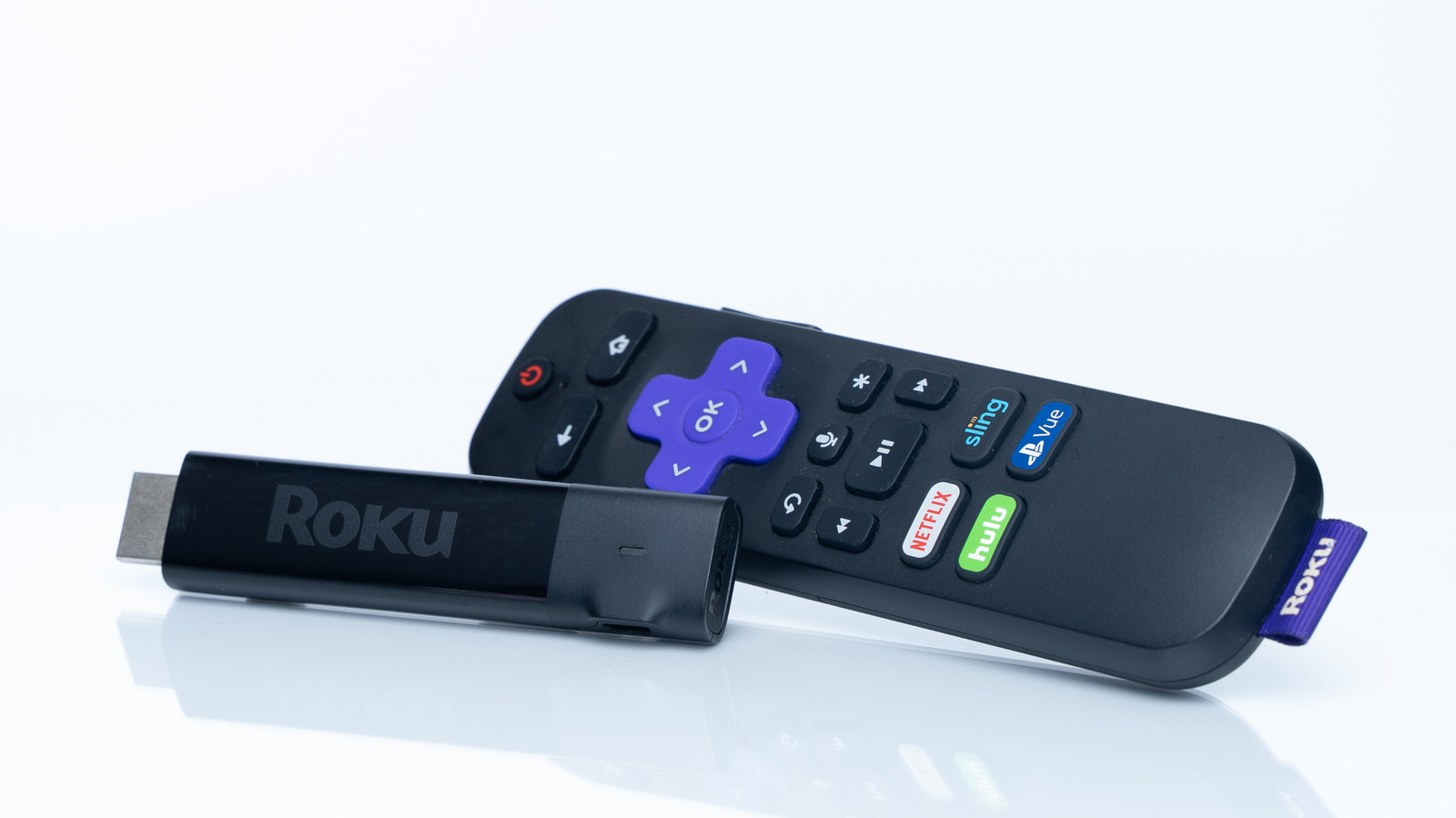
A Roku isn't as sensitive to the chosen HDMI port as a game console or sound bar, but you should still choose the right one for the job.