EQUIPEngadget · 2h ago
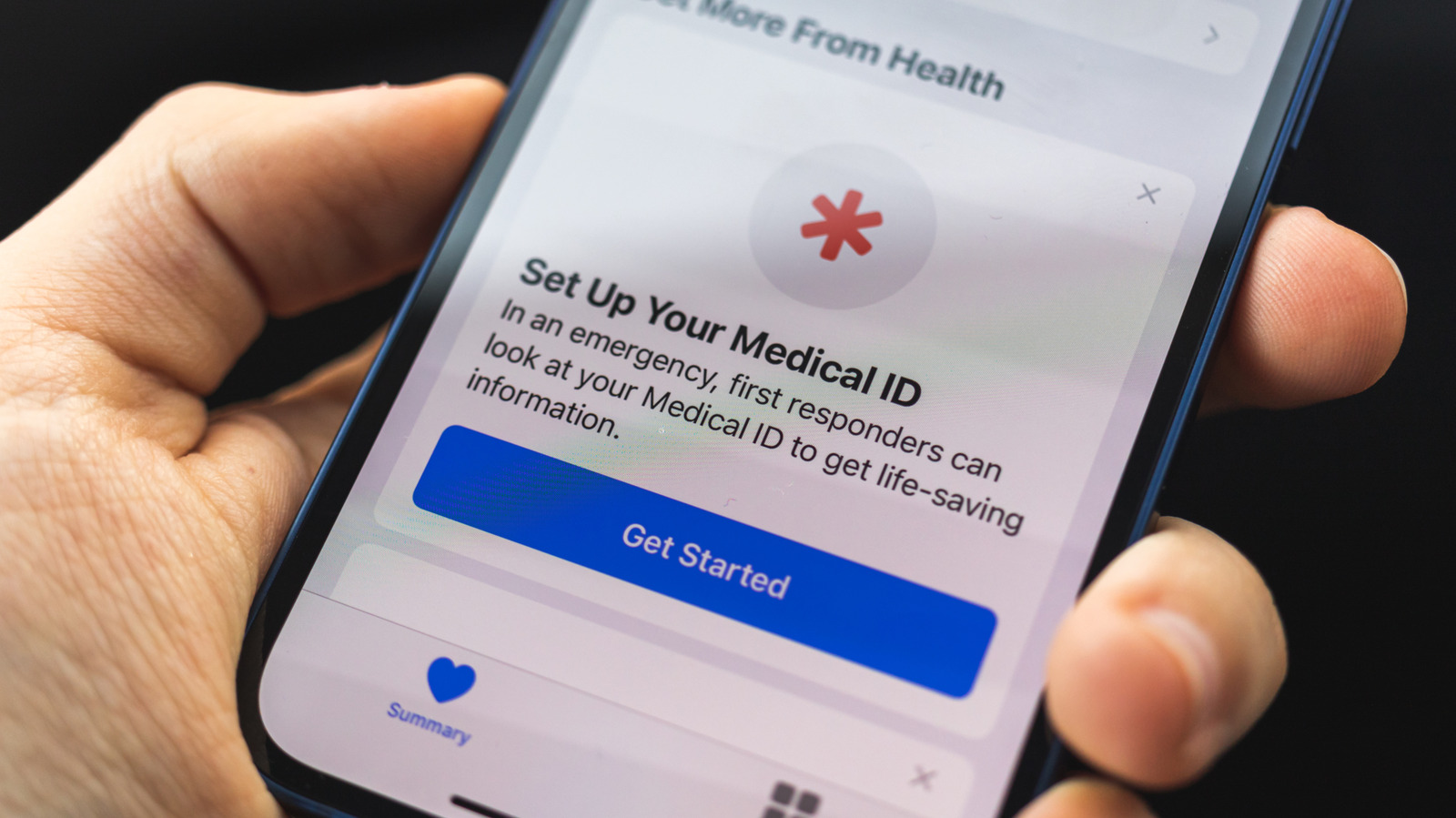
How to set up your emergency contacts and medical ID on your iPhone
Executive Brief
The 30-second read
Executives should configure iPhone Medical ID and emergency contact features to ensure vital health data is accessible during crises. Proactive setup enables first responders to view life-saving information without requiring a device passcode.
- 01Configure Medical ID to display critical health information on the iPhone lock screen during emergencies
- 02Assign designated emergency contacts to receive automated location alerts when SOS features are triggered
- 03Ensure all medical data is updated regularly to maintain accuracy for first responder reference
- 04Enable emergency bypass settings to allow urgent communications from specific contacts during high-stakes travel
Go deeper · Equip playbook
Business Travel Management 2026: Program Blueprint →AI-generated summary · Verify at source
Take time to enable these features today before you need them; they could help save your life in an emergency.