EQUIPEngadget · 4h ago
How to pair your Bluetooth headphones to your Windows PC
Executive Brief
The 30-second read
This briefing outlines the standardized procedures for integrating Bluetooth audio peripherals with Windows-based enterprise hardware. Executives should utilize the system settings menu to establish secure wireless connections as an alternative to traditional wired hardware.
- 01Bluetooth pairing on Windows requires manual configuration through system settings rather than physical connection
- 02Wireless audio integration maintains productivity in professional environments lacking legacy headphone ports
- 03The connection process remains straightforward despite the transition from traditional hardware sockets
Go deeper · Equip playbook
Business Travel Management 2026: Program Blueprint →AI-generated summary · Verify at source
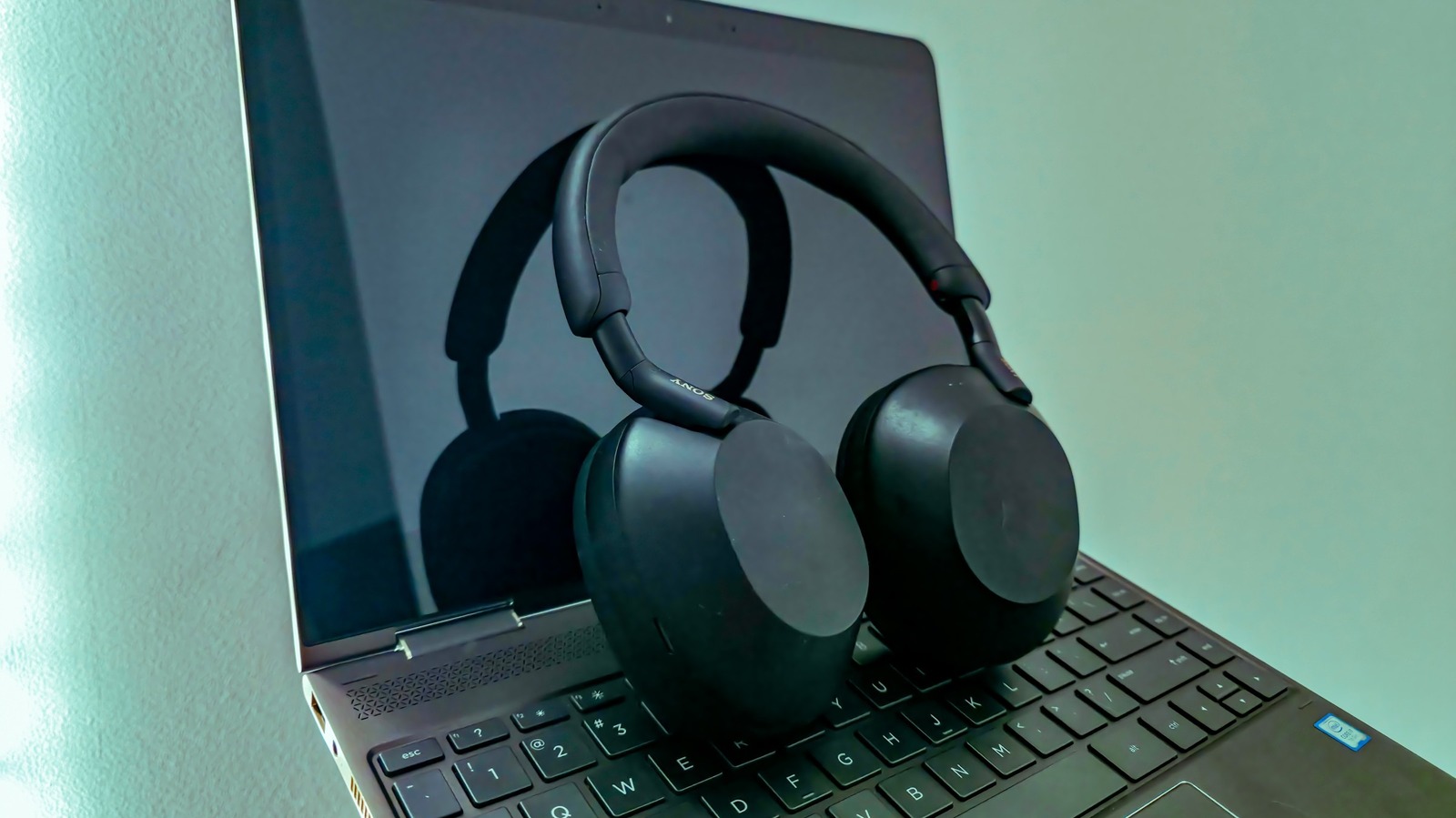
Connecting a pair of Bluetooth headphones to a Windows PC isn't as simple as plugging into a headphone socket, but it's still quite straightforward.