EQUIPEngadget · 2h ago
How to use Android Auto without turning off your VPN
Executive Brief
The 30-second read
Android Auto connectivity often conflicts with active VPN services, potentially disrupting executive mobile workflows during transit. New configuration workarounds allow users to maintain encrypted data tunnels without sacrificing vehicle integration or navigation stability.
- 01VPN active protocols frequently block the wireless handshake required for Android Auto functionality
- 02Split tunneling enables specific vehicle apps to bypass the VPN for consistent connectivity
- 03Users must verify individual VPN provider compatibility with Android mobile platform requirements
- 04Manual exclusion of Android Auto from encrypted tunnels resolves most synchronization failures
Go deeper · Equip playbook
Business Travel Management 2026: Program Blueprint →AI-generated summary · Verify at source
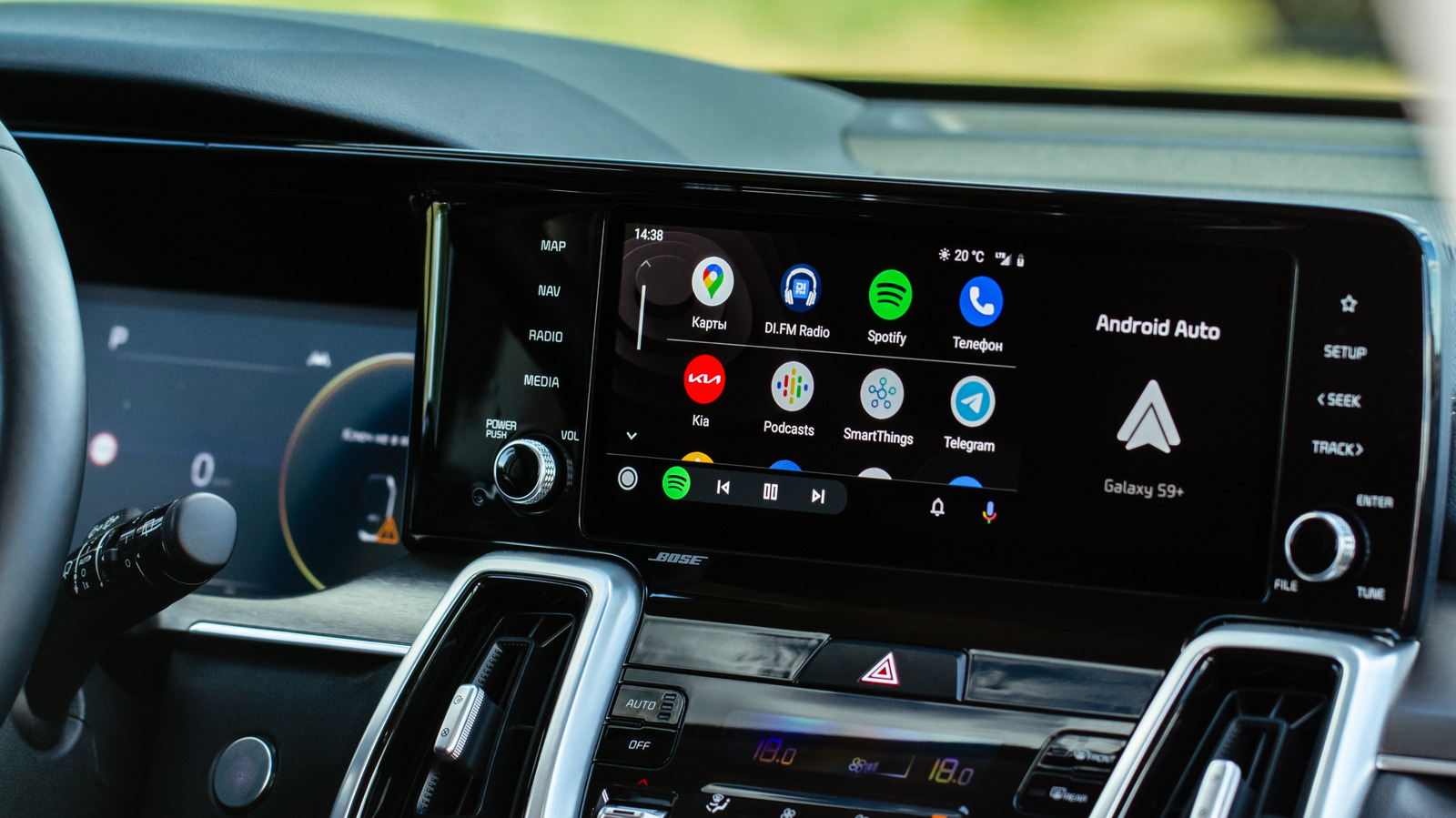
A VPN might compromise your Android Auto experience at first, but there are some easy workarounds.