EQUIPEngadget · 2h ago
What is AssistiveTouch on your Apple Watch and when should you use it?
Executive Brief
The 30-second read
Apple Watch's AssistiveTouch feature enables device navigation through specialized hand and finger gestures. Executives can utilize these motion-based controls to manage alerts and interfaces when manual touchscreen interaction is restricted.
- 01Gesture-based controls allow device navigation without touching the watch screen
- 02AssistiveTouch responds to specific hand movements and finger pinches for input
- 03Users can toggle the feature on or off through system settings
- 04The technology improves device accessibility and efficiency in hands-busy environments
Go deeper · Equip playbook
Business Travel Management 2026: Program Blueprint →AI-generated summary · Verify at source
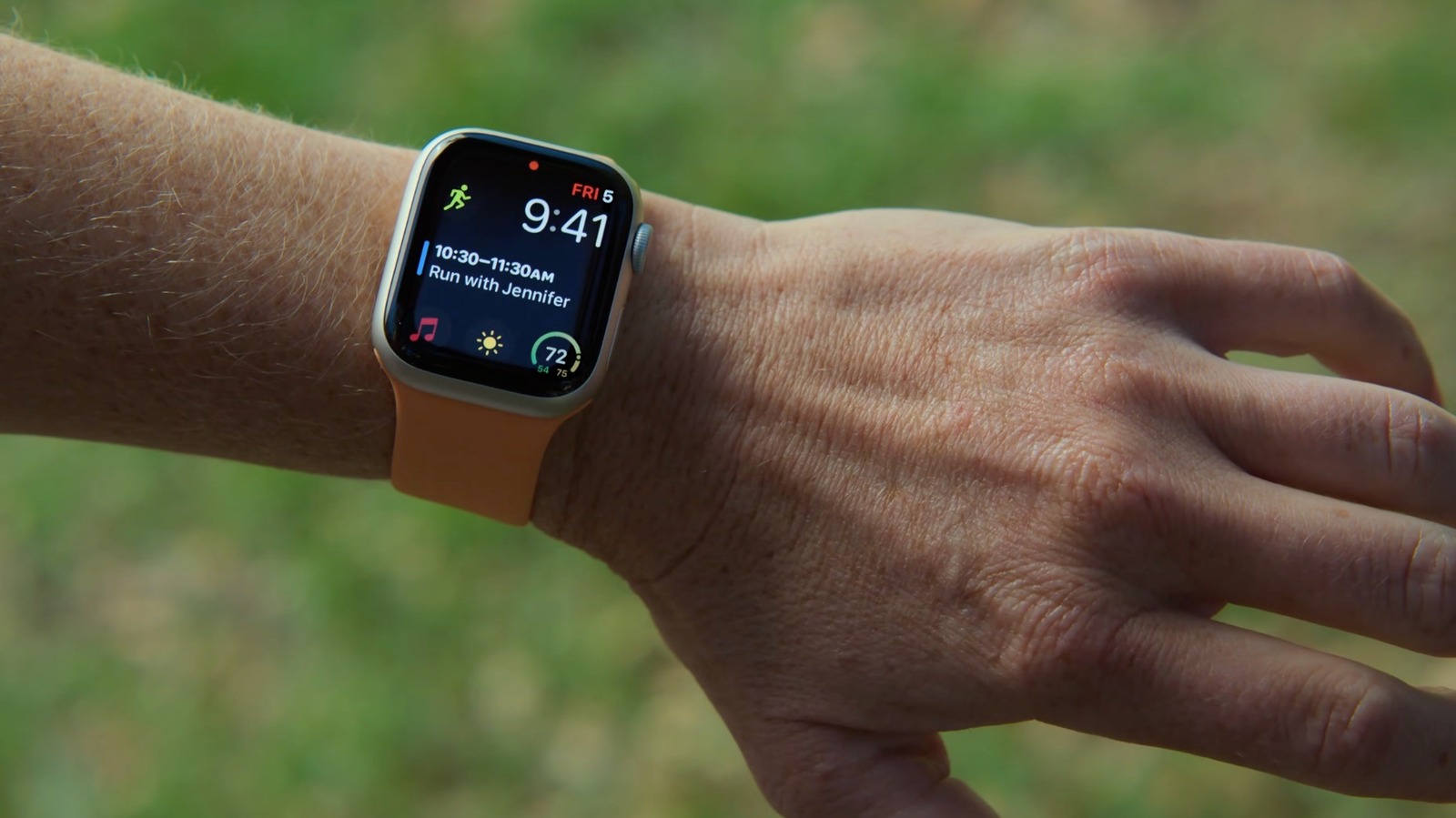
Your Apple Watch can respond to simple hand and finger gestures with AssistiveTouch. Learn how to set it up, toggle it off and when it's actually helps.