EQUIPEngadget · 1h ago
How to stop audio from auto-playing on Android Auto
Executive Brief
The 30-second read
Android Auto includes a native autoplay feature designed for convenience that triggers media playback upon vehicle connection. Executives can manually disable this setting within the application menu to prevent unwanted audio during transit.
- 01Navigate to the Android Auto settings menu to locate the Start music automatically toggle
- 02Disabling the feature prevents media from playing immediately when the smartphone connects to the vehicle
- 03Users may prefer manual control to avoid interruptions during business commutes or professional transitions
Go deeper · Equip playbook
Business Travel Management 2026: Program Blueprint →AI-generated summary · Verify at source
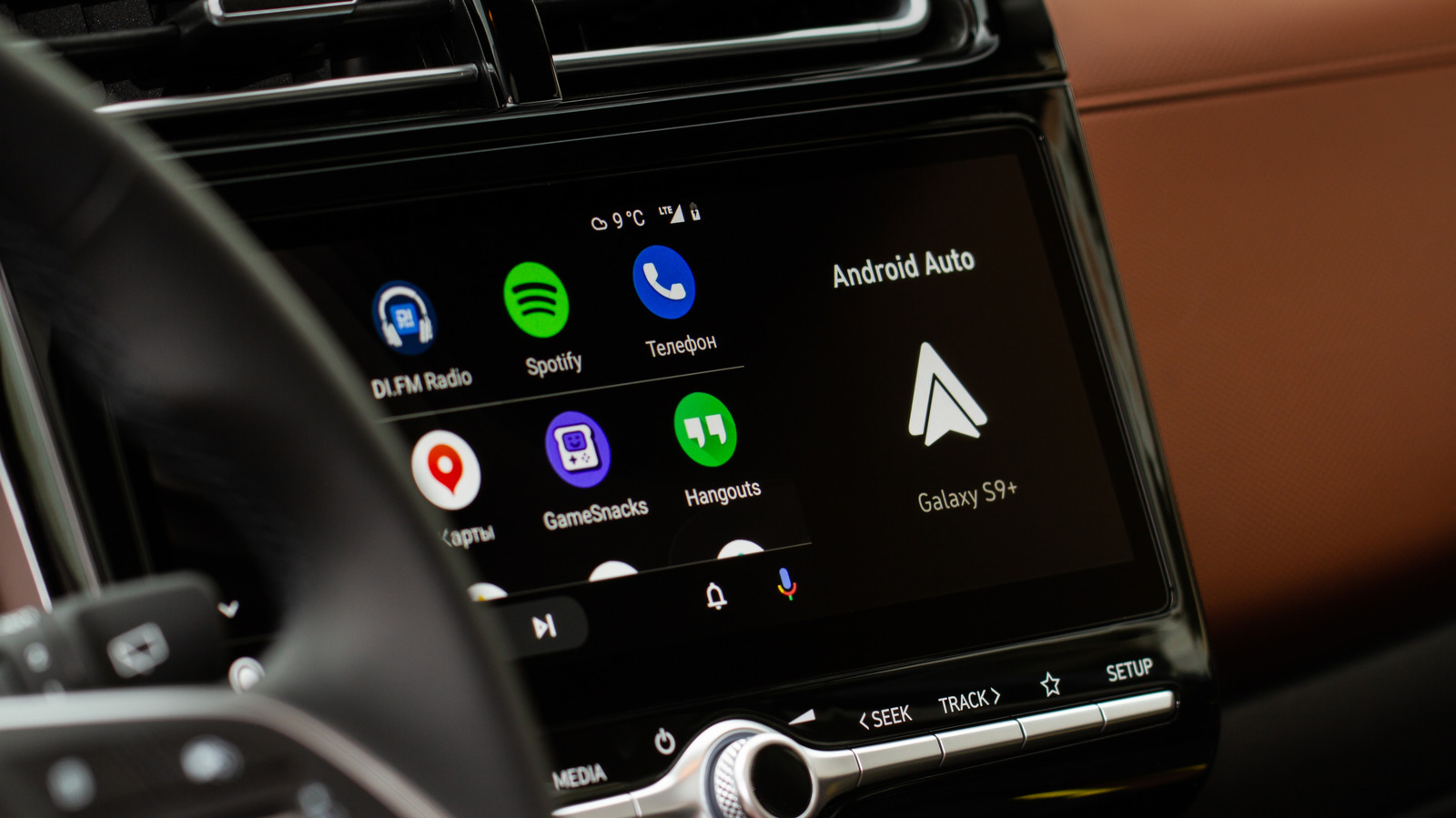
Although Android Auto's autoplay feature is intended to be a convenience, you may find yourself wanting to turn it off. Here's how.