EQUIPEngadget · 2h ago
One problem with your iPhone's Always-On Display can easily be fixed
Executive Brief
The 30-second read
Apple's Always-On Display feature frequently deactivates automatically under specific environmental and system conditions. Executives can manually adjust certain settings to maintain screen visibility and ensure consistent access to notifications.
- 01The iPhone Always-On Display shuts down in multiple scenarios to preserve system resources
- 02Users can modify specific device settings to prevent unintended display deactivation
- 03Understanding these triggers allows for better control over continuous information access on mobile devices
- 04Simple configuration changes resolve common frustrations regarding the feature's inconsistent behavior
Go deeper · Equip playbook
Business Travel Management 2026: Program Blueprint →AI-generated summary · Verify at source
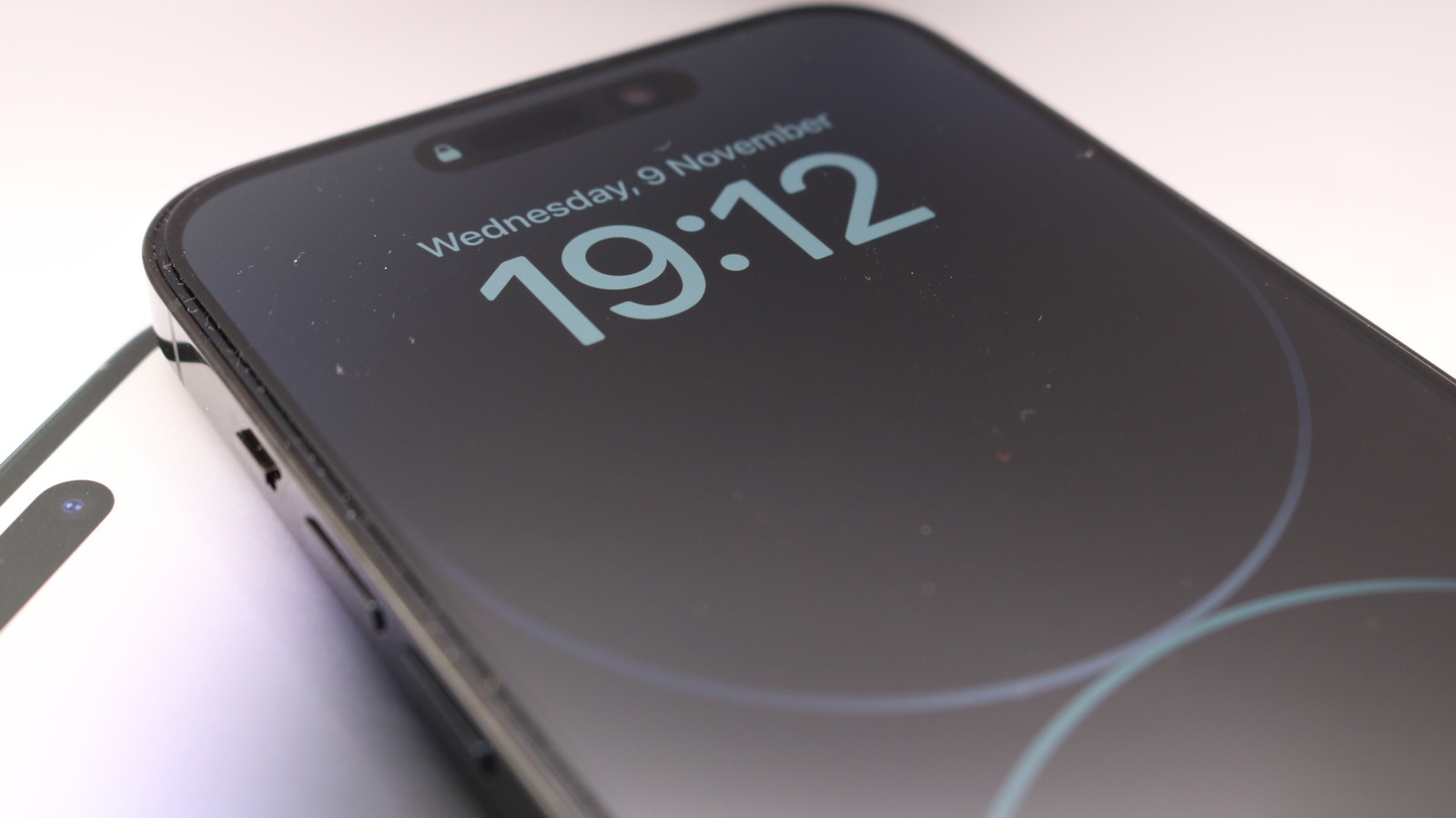
The Always-On Display feature of your iPhone should be straightforward, but it can turn off in several situations. You can control some of those.