EQUIPEngadget · 2h ago
Why your AirPods keep disconnecting without warning: These settings can fix it
Executive Brief
The 30-second read
Recent findings indicate that advanced AirPods features frequently cause unintended device switching and connectivity failures during business use. Executives should adjust specific firmware settings to stabilize audio performance and prevent interruptions during high-stakes communication.
- 01Overzealous automatic switching features often trigger unwanted audio handoffs between active hardware
- 02Firmware settings intended for convenience can compromise connection stability in multi-device environments
- 03Manual configuration of device priority prevents sudden disconnections during critical virtual meetings
- 04Disabling background sensor sensitivity mitigates frequent drops in audio signal continuity
Go deeper · Equip playbook
Business Travel Management 2026: Program Blueprint →AI-generated summary · Verify at source
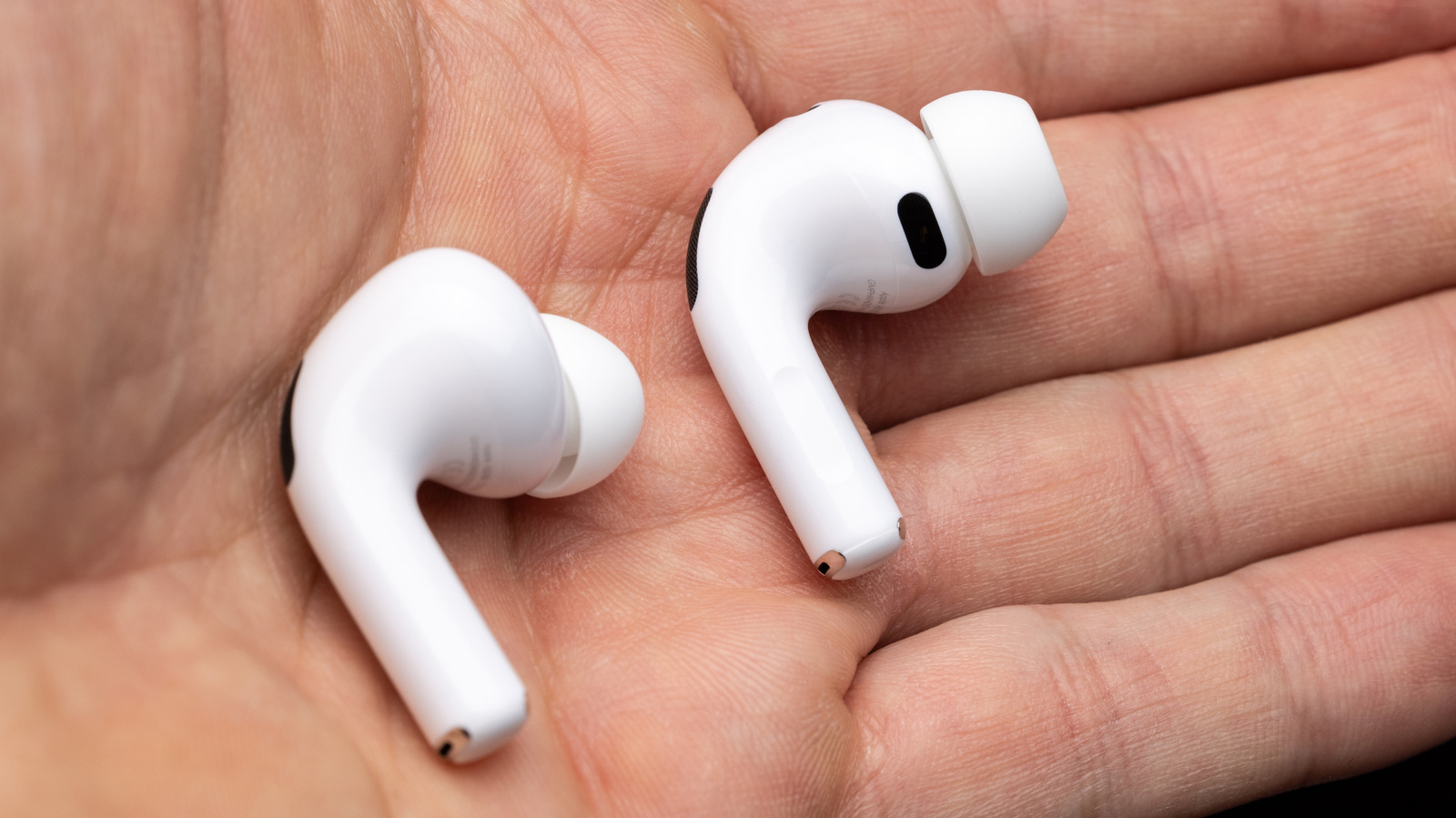
Handy features of your AirPods can be overzealous, leading to disconnections and unwanted device swapping.