EQUIPEngadget · 57m ago
How to properly clean your laptop fan
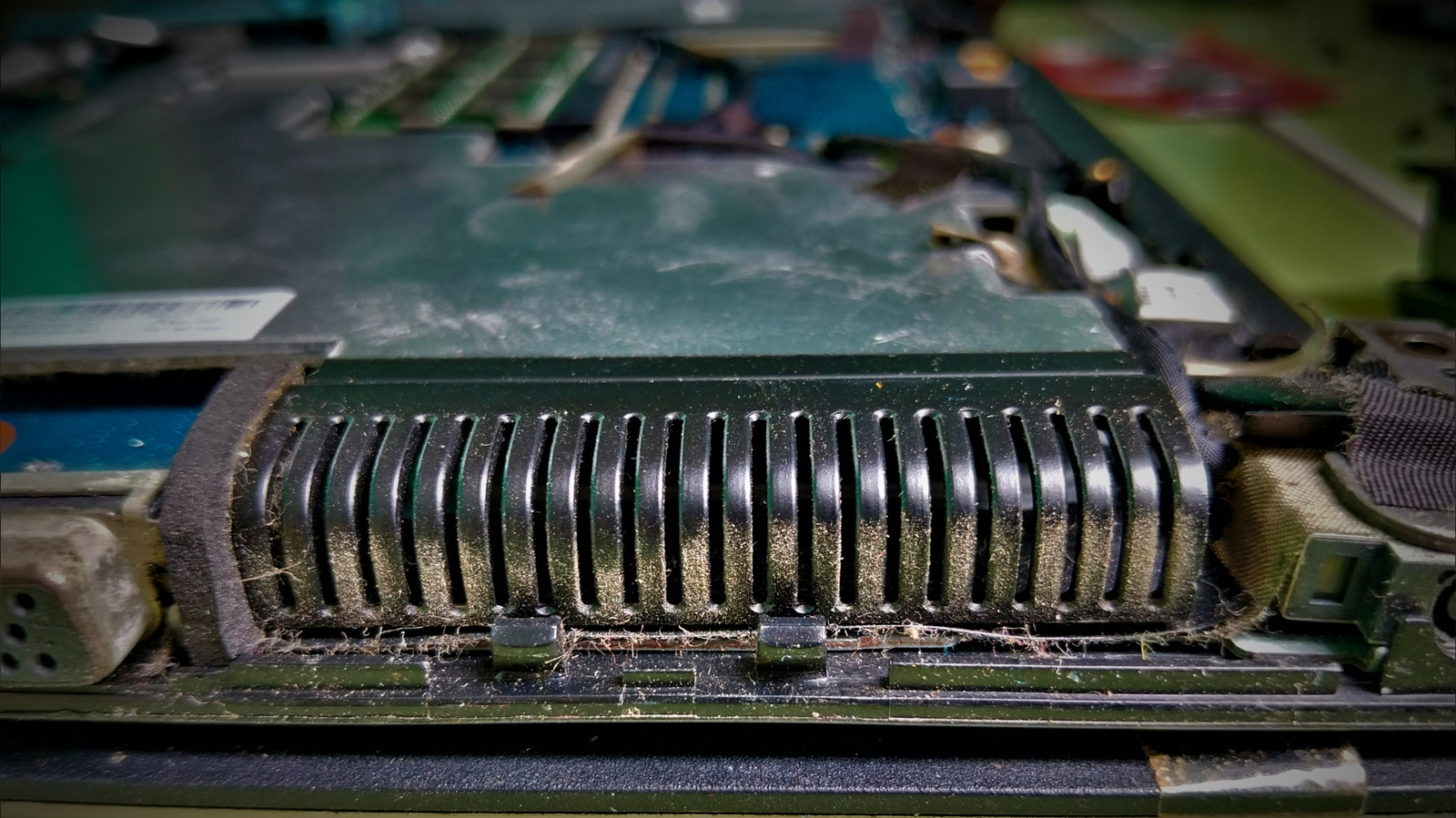
Executive Brief
The 30-second read
Maintaining laptop hardware efficiency requires regular cleaning of cooling systems to prevent thermal throttling. Executives should prioritize external vent maintenance using compressed air before attempting internal disassembly or technical repairs.
- 01Begin maintenance by cleaning external vents before utilizing specialized tools
- 02Compressed air effectively removes dust buildup without requiring chassis disassembly
- 03Proper fan care prevents hardware overheating and extends device operational lifespan
- 04Consult professional support if external cleaning does not resolve cooling issues
Go deeper · Equip playbook
Business Travel Management 2026: Program Blueprint →AI-generated summary · Verify at source
Start with the vents before you reach for a screwdriver.