EQUIPEngadget · 7h ago
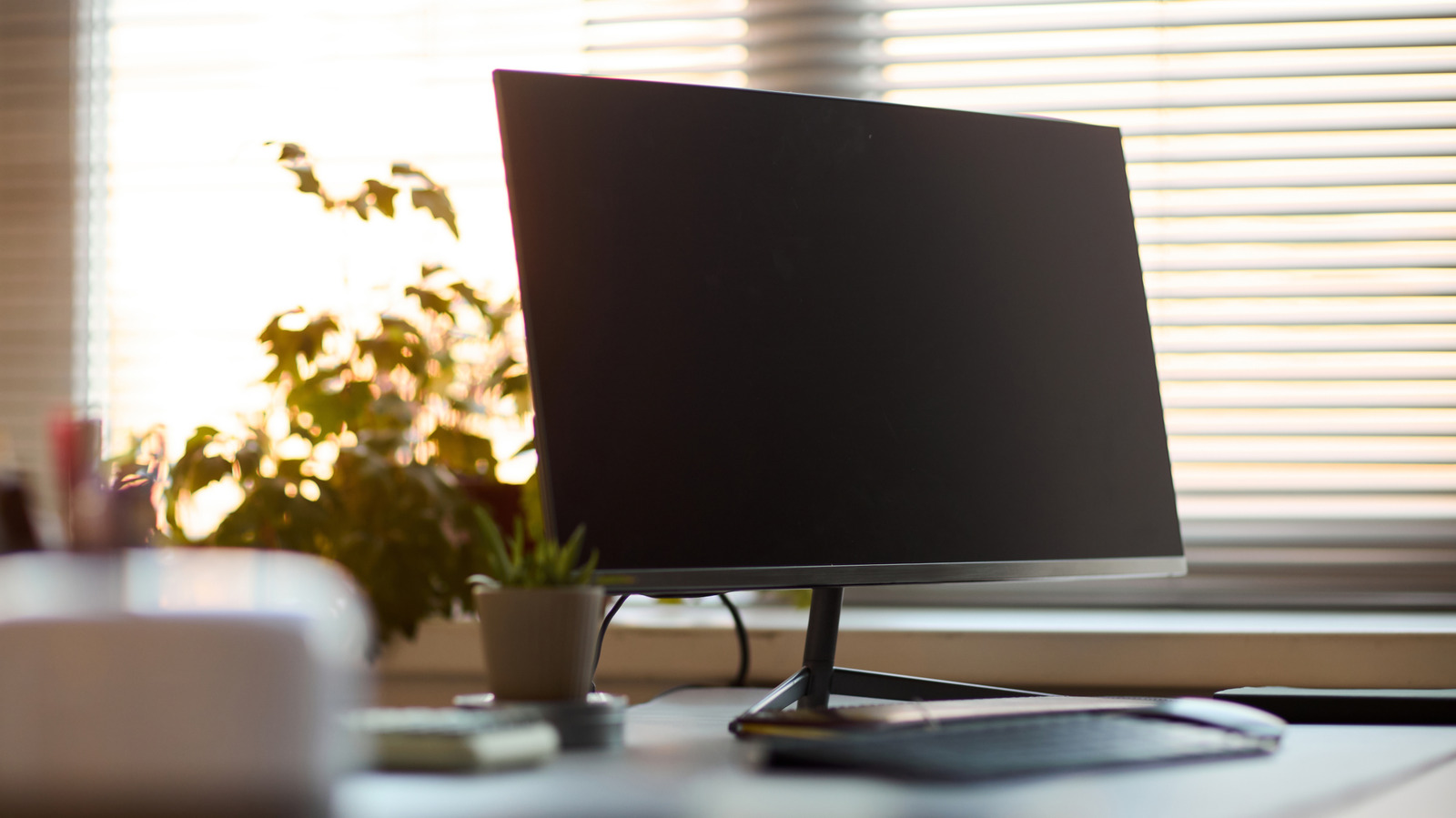
Why your monitor flickers when you turn it on and can it be fixed?
Executive Brief
The 30-second read
This report examines technical causes behind monitor flickering during hardware startup and identifies potential diagnostic procedures. Organizations must evaluate display stability to maintain productivity and prevent equipment failure in professional environments.
- 01Flickering displays indicate underlying hardware malfunctions or connectivity issues requiring immediate technical assessment
- 02Common causes range from cable degradation to internal circuitry failure within the monitor
- 03Early identification of display symptoms prevents total hardware failure and unplanned equipment replacement costs
- 04Standardized troubleshooting protocols can resolve minor flickering without necessitating full unit replacement
Go deeper · Equip playbook
Business Travel Management 2026: Program Blueprint →AI-generated summary · Verify at source
A flickering computer monitor can be a symptom of several different issues. Let's explore some common ones.