EQUIPEngadget · 1d ago
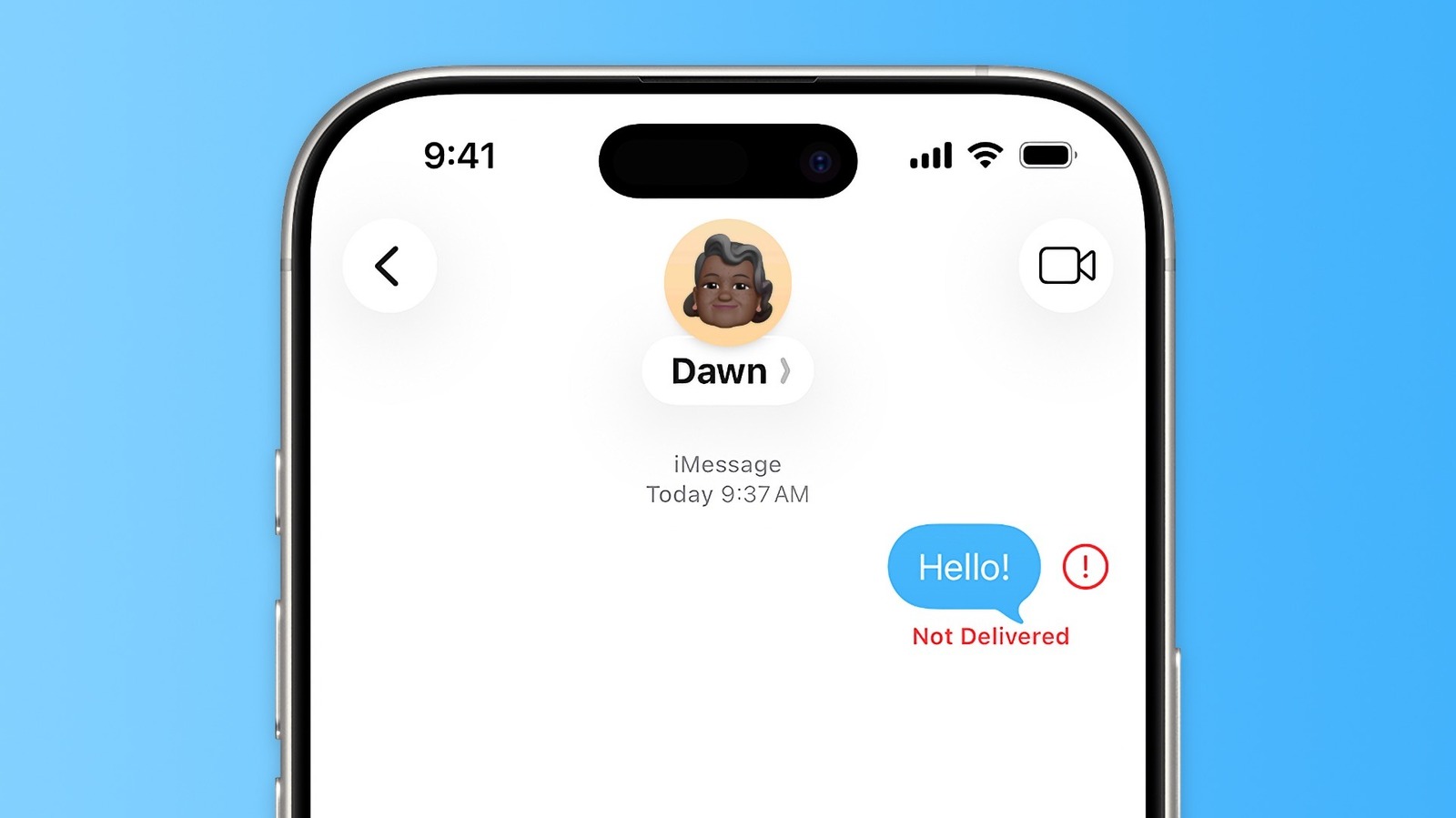
How to fix iMessage "Not Delivered" error on iPhones
Executive Brief
The 30-second read
This brief outlines technical protocols for resolving persistent iMessage delivery failures on mobile devices. Executives should implement these troubleshooting steps to ensure uninterrupted secure communication during international operations.
- 01Verify network connectivity and cellular data status to confirm active signal reception
- 02Toggle iMessage settings or restart hardware to re-establish secure server connections
- 03Utilize manual RCS or SMS overrides when primary encrypted messaging services fail
- 04Update iOS firmware to the latest version to resolve underlying software compatibility issues
Go deeper · Equip playbook
Business Travel Management 2026: Program Blueprint →AI-generated summary · Verify at source
iMessage is simple, and even RCS and SMS are usually reliable. But when your iPhone won't sent a message, you can coax it into working again.