EQUIPEngadget · 2h ago
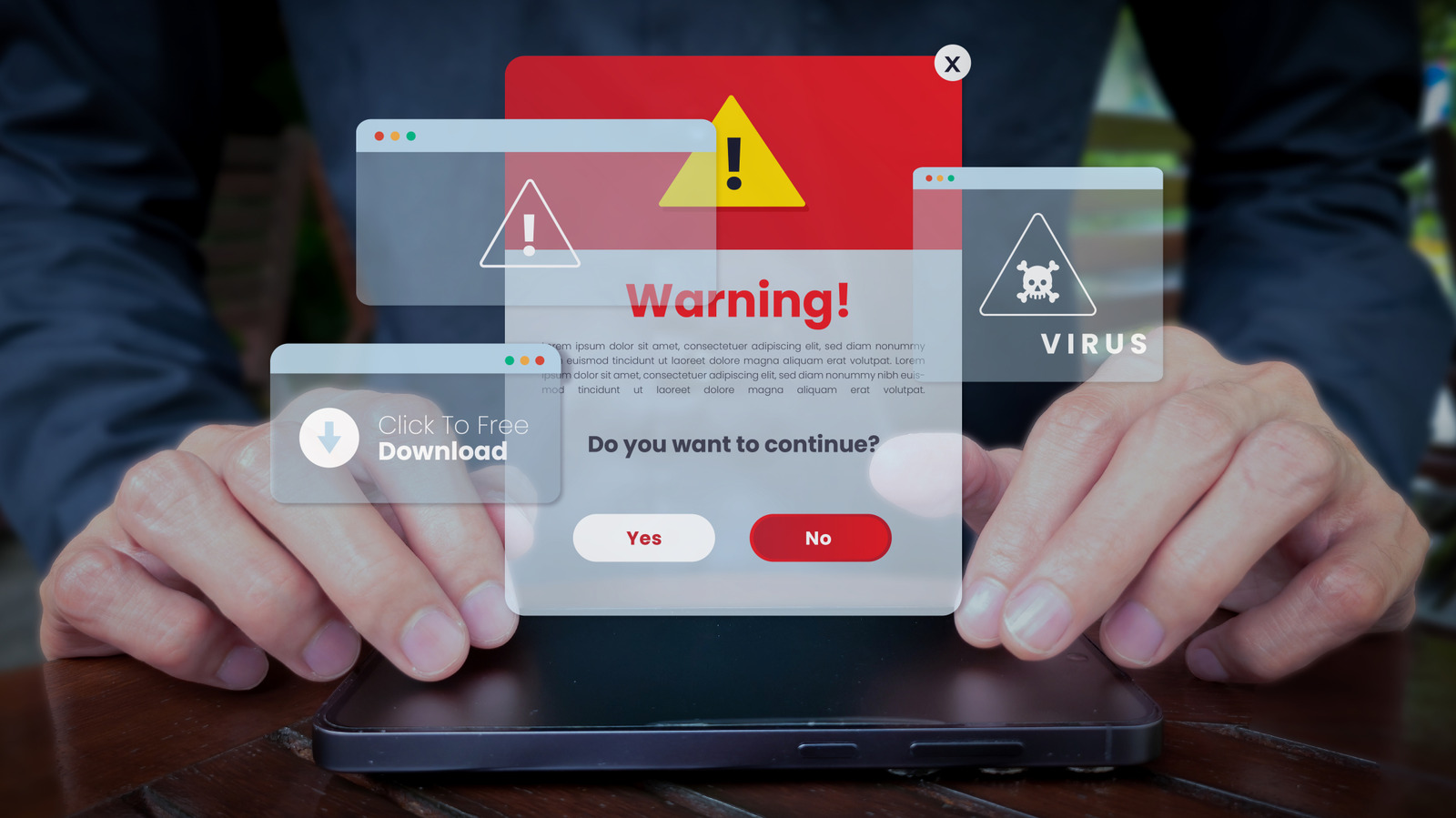
How to stop fake virus pop-ups on your Windows PC
Executive Brief
The 30-second read
This brief identifies deceptive security alerts on Windows systems as fraudulent attempts to solicit phone calls or software downloads. Executives should implement standard browser security protocols to neutralize these disruptive pop-up threats effectively.
- 01Security alerts demanding immediate phone calls or scanner downloads are confirmed fraudulent threats
- 02Pop-up disruptions on Windows PCs can be mitigated through simple browser management techniques
- 03Malicious alerts aim to manipulate users into sharing sensitive data or installing unauthorized software
- 04Maintaining standard system hygiene prevents deceptive technical support scams from impacting business productivity
Go deeper · Equip playbook
Business Travel Management 2026: Program Blueprint →AI-generated summary · Verify at source
Blaring security alerts that urge you to call a number or download a scanner are bogus, and you can shut them up easily.