EQUIPEngadget · 2h ago
Apple CarPlay isn't working in your car? Here's what to check first
Executive Brief
The 30-second read
Apple CarPlay systems often require technical troubleshooting due to connectivity instability and integration issues. Executives should verify hardware compatibility and software settings to maintain seamless mobile navigation and communication workflows.
- 01Verify cable integrity and port functionality for wired connection stability
- 02Confirm vehicle and iPhone compatibility with current CarPlay software requirements
- 03Inspect device settings to ensure CarPlay permissions and Bluetooth are active
- 04Address system latency through occasional software resets and device re-pairing
Go deeper · Equip playbook
Business Travel Management 2026: Program Blueprint →AI-generated summary · Verify at source
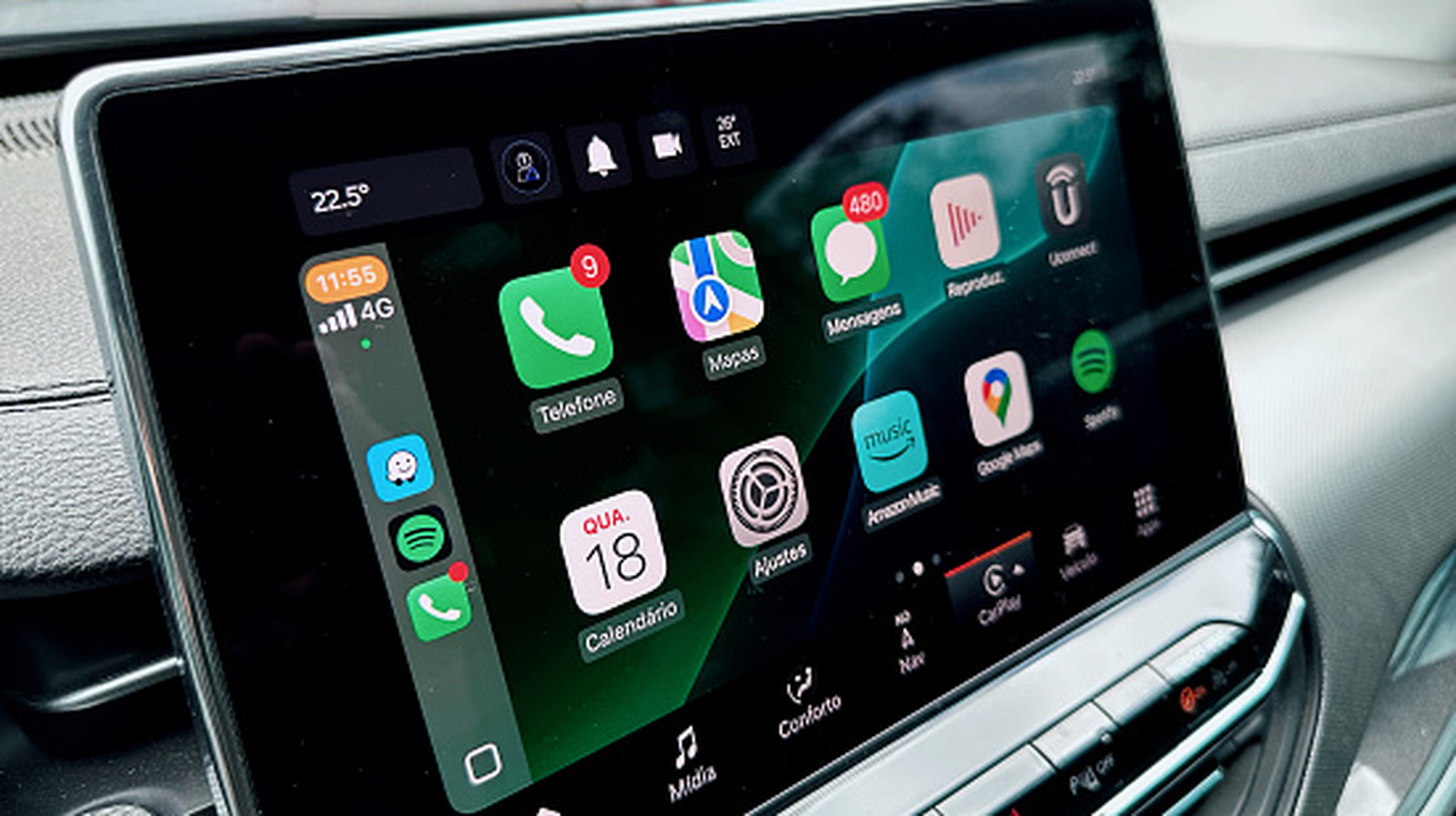
Apple's CarPlay is a convenient way to listen to music or safely use navigation, but it can be a finnicky system that requires the occasional troubleshooting.