EQUIPEngadget · 3h ago
How to improve your laptop's webcam quality
Executive Brief
The 30-second read
Internal laptop cameras frequently underperform relative to professional communication standards. Executives can mitigate hardware limitations through specific environmental adjustments and external peripheral integration to ensure high-quality virtual presence.
- 01Position lighting sources in front of the subject to eliminate shadows and improve sensor clarity
- 02Utilize external high-definition webcams to bypass native hardware resolution constraints
- 03Adjust software settings and background configurations to optimize focus and visual professionality
- 04Ensure stable network connectivity to prevent compression artifacts during executive-level video conferencing
Go deeper · Equip playbook
Business Travel Management 2026: Program Blueprint →AI-generated summary · Verify at source
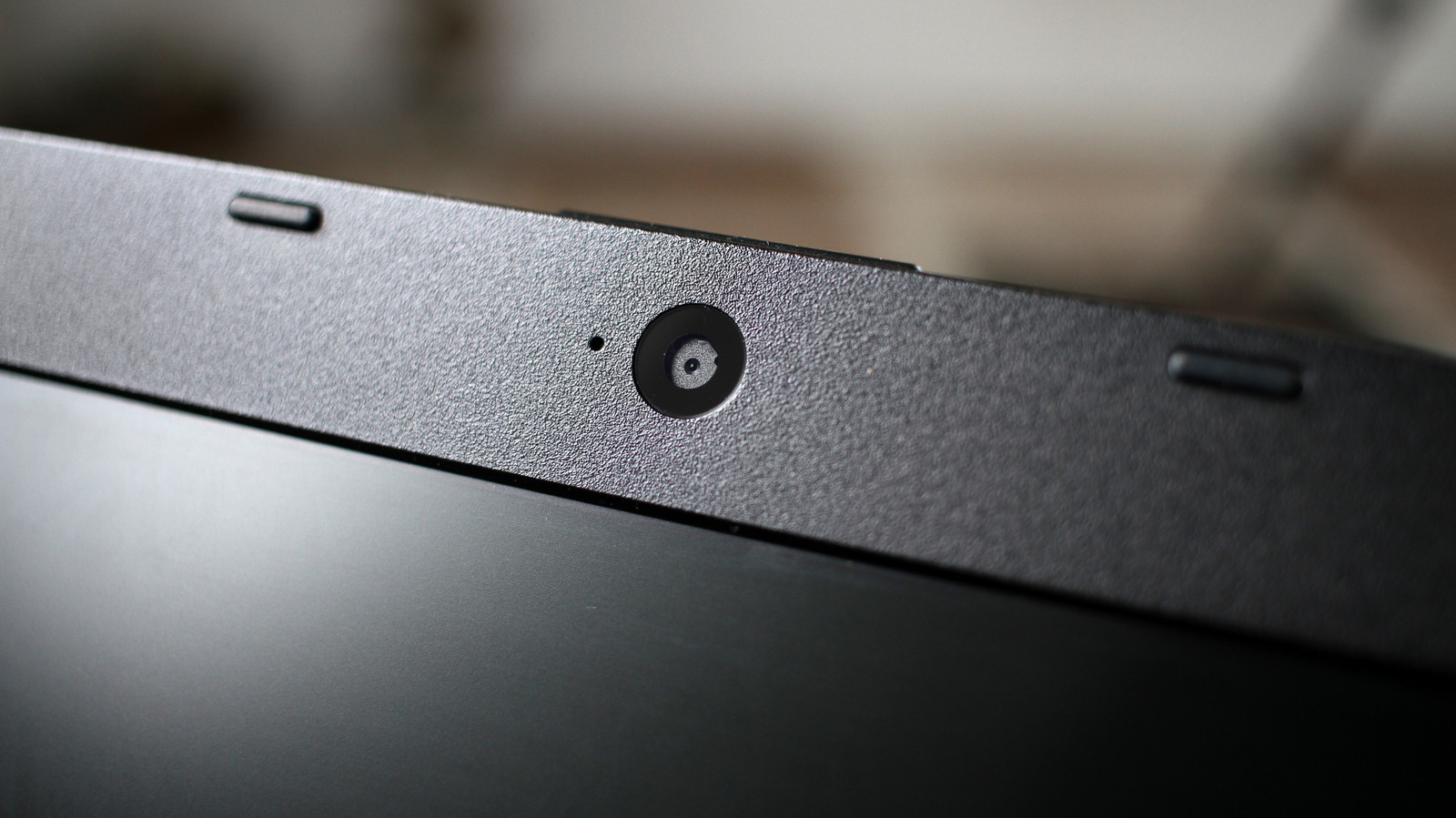
Your laptop's webcam is not usually an impressive piece of hardware, but you can help make up for its shortcomings.