EQUIPEngadget · 2h ago
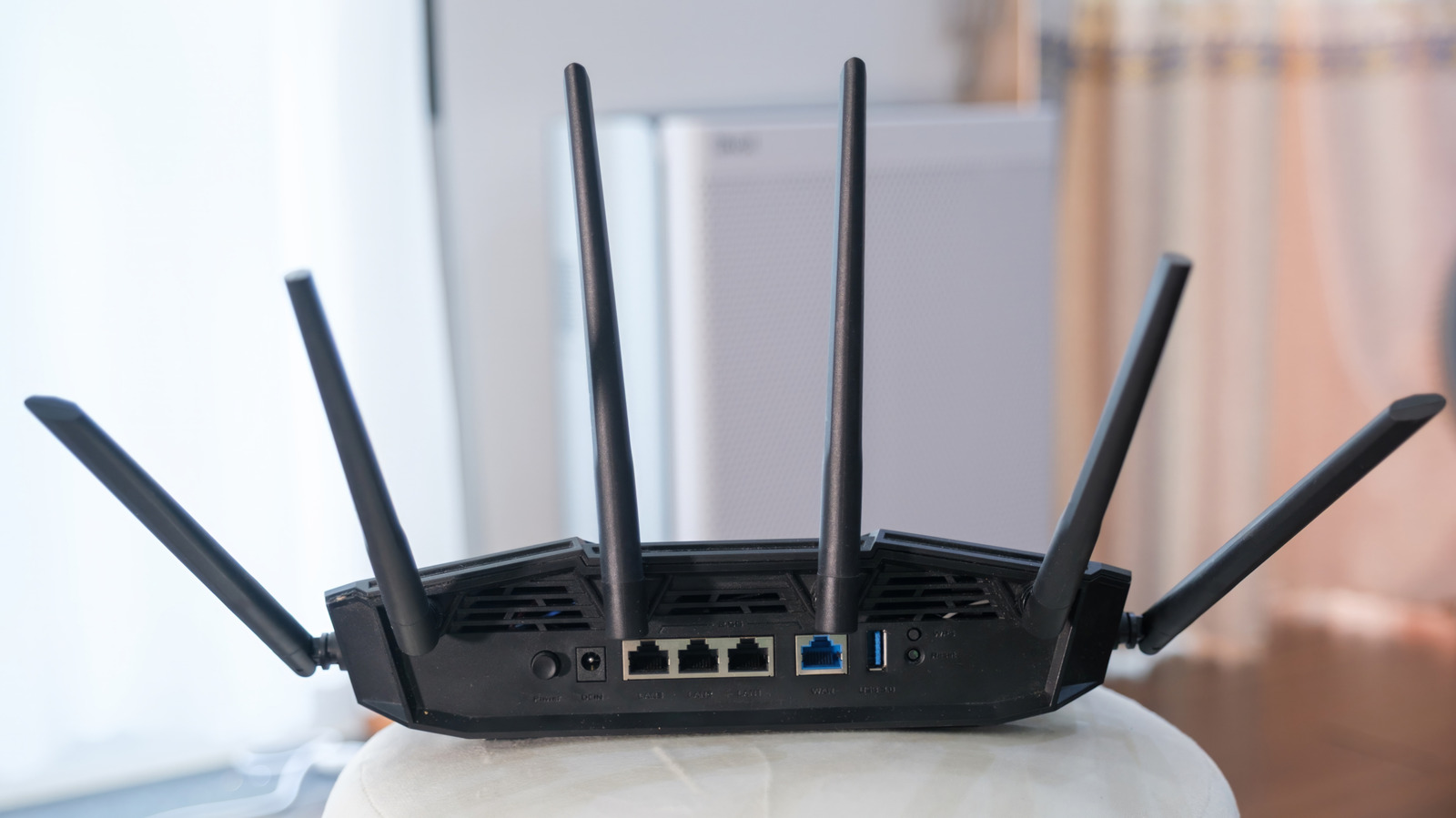
Here's how to reset your ASUS router
Executive Brief
The 30-second read
Network performance issues in ASUS routing hardware may be resolved through standardized reset procedures. This brief outlines technical troubleshooting steps to restore optimal internet speeds and device functionality.
- 01Execute a hardware reset if internet speeds fall below established organizational performance baselines
- 02Identify specific ASUS model requirements before initiating manual device restoration processes
- 03Utilize documented reset methods to resolve persistent connectivity disruptions and latency issues
Go deeper · Equip playbook
Business Travel Management 2026: Program Blueprint →AI-generated summary · Verify at source
If your internet has been slower than usual lately, your router might need a reset. Here are some things you can try.