EQUIPEngadget · 1h ago
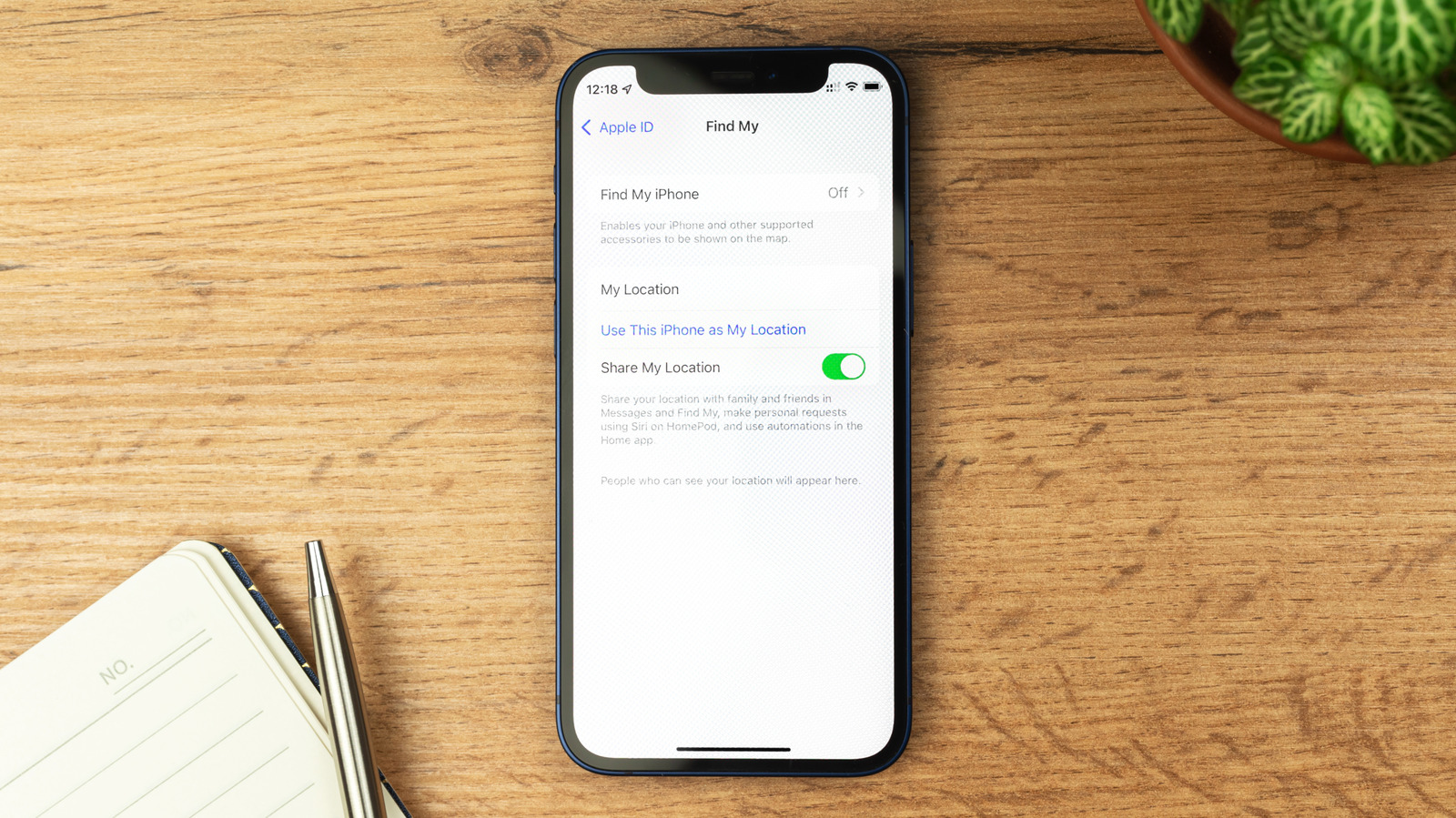
How to turn off Find My iPhone (and when you definitely should)
Executive Brief
The 30-second read
Apple's Find My feature serves as a critical security layer for corporate device recovery and data protection. Executives should maintain active status except during specific hardware maintenance or device decommissioning procedures.
- 01Keep Find My active to ensure device location tracking and remote data wiping capabilities
- 02Disabling the feature significantly increases the difficulty of recovering lost or stolen hardware
- 03Manual deactivation is required primarily for professional servicing and factory resets
Go deeper · Equip playbook
Business Travel Management 2026: Program Blueprint →AI-generated summary · Verify at source
Find My is a vital iPhone security feature that you should keep on almost all the time. Turning it off makes your device much harder to recover.