EQUIPEngadget · 14h ago
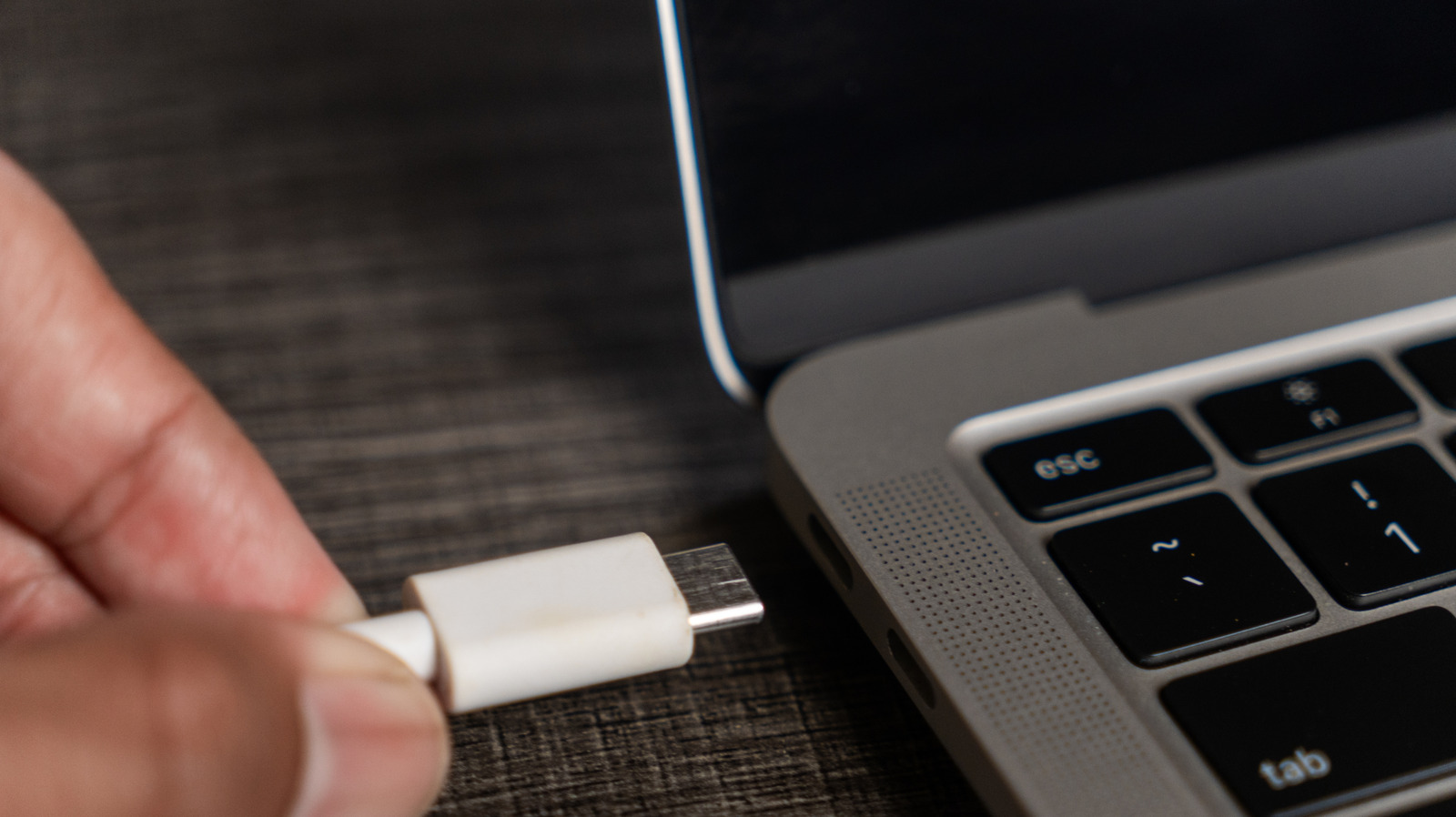
How to know if your USB-C ports can support video
Executive Brief
The 30-second read
Standardization issues mean not all USB-C ports support video output despite identical physical appearances. Executives must verify specific hardware capabilities to ensure seamless connectivity between laptops and external displays during international engagements.
- 01Physical USB-C connectors do not guarantee native video transmission capabilities across all devices
- 02Identifying specific port standards is essential for selecting appropriate video cables and adapters
- 03Understanding hardware limitations prevents technical failures when connecting to high-resolution external monitors
- 04Verification of DisplayPort Alt Mode support is necessary for reliable video signal delivery
Go deeper · Equip playbook
Best Business Travel Management Software →AI-generated summary · Verify at source
Your USB-C port can do a lot, but it won't necessarily be able to transfer video. Understanding what yours can do makes it easy to choose the best video option.