EQUIPEngadget · 1h ago
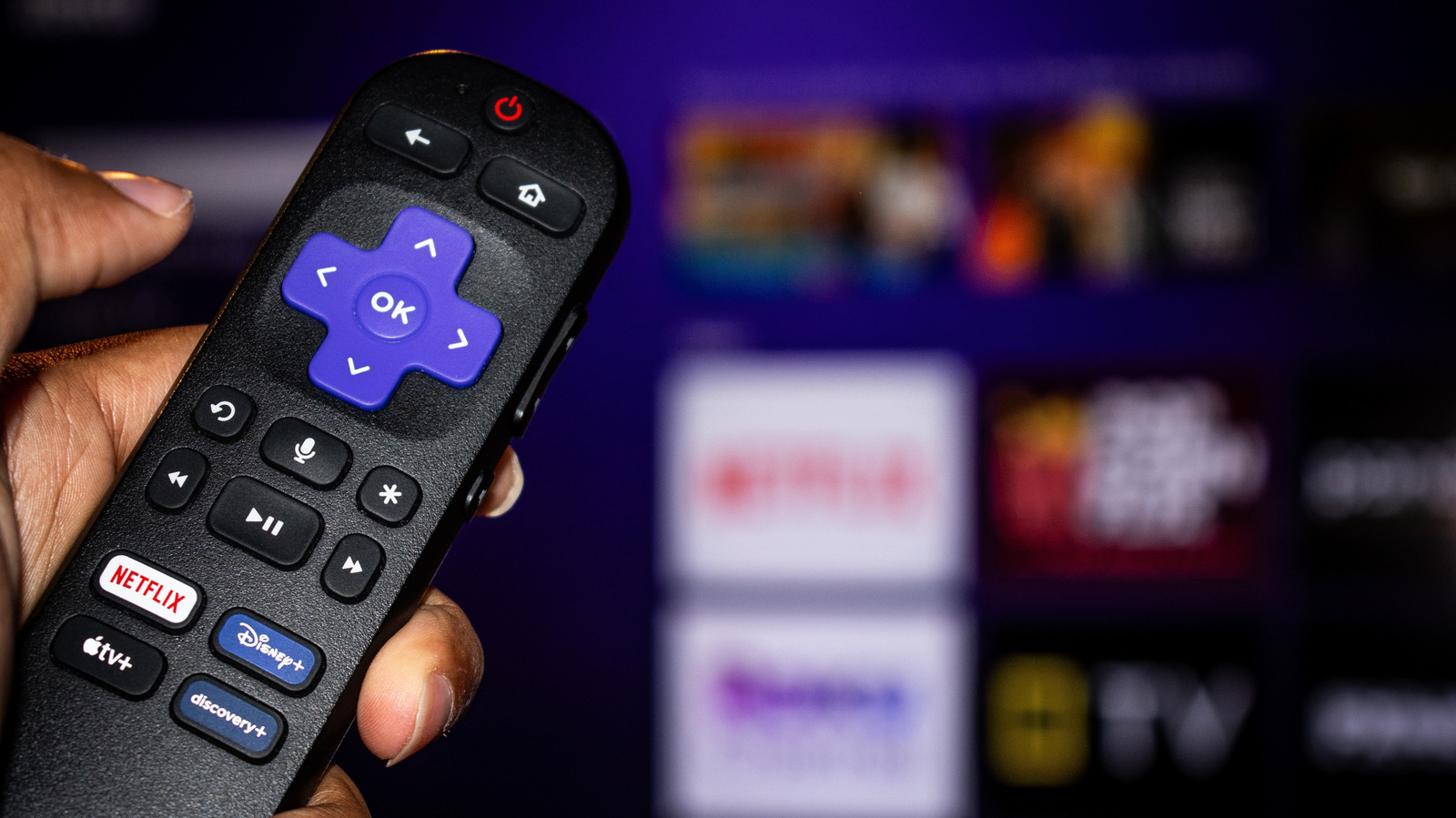
Improve your Roku TV's image quality by changing these settings
Executive Brief
The 30-second read
Roku TV hardware includes integrated settings designed to enhance image clarity and visual detail. Executives can optimize display performance for professional presentations or media consumption by navigating specific system configuration menus.
- 01Internal Roku software features adjustable parameters to significantly improve output resolution and sharpness
- 02Users must manually access configuration sub-menus to unlock the hardware's full visual potential
- 03Proper adjustment of default factory settings results in a clearer and more detailed viewing experience
Go deeper · Equip playbook
Business Travel Management 2026: Program Blueprint →AI-generated summary · Verify at source
Your Roku TV has lots of settings to make the picture quality look more detailed and clearer, but you have to know where to look.