EQUIPEngadget · 4d ago
Here's what you can do if your PC won't read an external hard drive
Executive Brief
The 30-second read
This technical guide outlines diagnostic procedures for resolving external hard drive connectivity issues on PC and Mac platforms. Executives can utilize these hardware tests and software fixes to facilitate immediate data recovery and maintain operational continuity.
- 01Perform hardware verification checks to identify physical connection or power failures across external devices
- 02Execute systematic software troubleshooting steps to address driver conflicts and file system errors
- 03Utilize specific recovery protocols to regain access to critical data on unreadable storage media
- 04Apply platform-specific fixes tailored for both Windows and macOS operating environments
Go deeper · Equip playbook
Business Travel Software: The 2026 Buyer's Guide →AI-generated summary · Verify at source
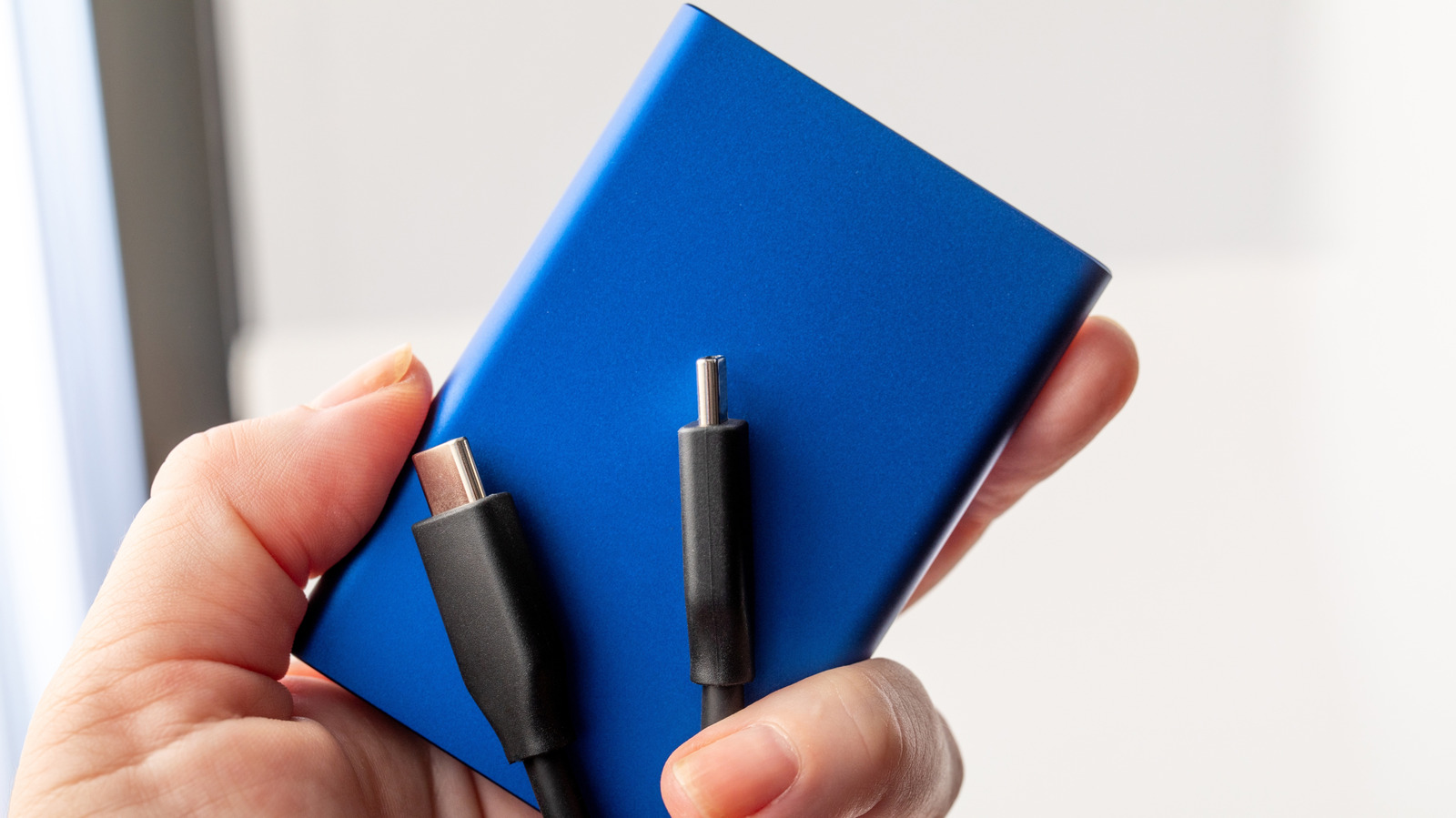
Don't panic if your PC or Mac won't read an external hard drive. We break down the simple hardware tests and software fixes you can use to recover your data.