EQUIPEngadget · 6h ago
How to safely clean your PC's GPU to avoid damaging it in the process
Executive Brief
The 30-second read
Maintaining a clean graphics processing unit ensures hardware longevity and optimal computational performance for professional workstations. This brief outlines the simplified process for safely removing and cleaning high-end components to prevent thermal throttling and hardware failure.
- 01Regular maintenance prevents dust buildup that causes overheating and performance degradation in critical systems
- 02Proper GPU removal and cleaning procedures minimize the risk of accidental electrostatic discharge damage
- 03Simplifying hardware maintenance workflows allows for efficient in-house management of high-performance computing assets
- 04Clear instructional guidelines reduce technical intimidation for staff performing routine hardware component care
Go deeper · Equip playbook
Business Travel Management 2026: Program Blueprint →AI-generated summary · Verify at source
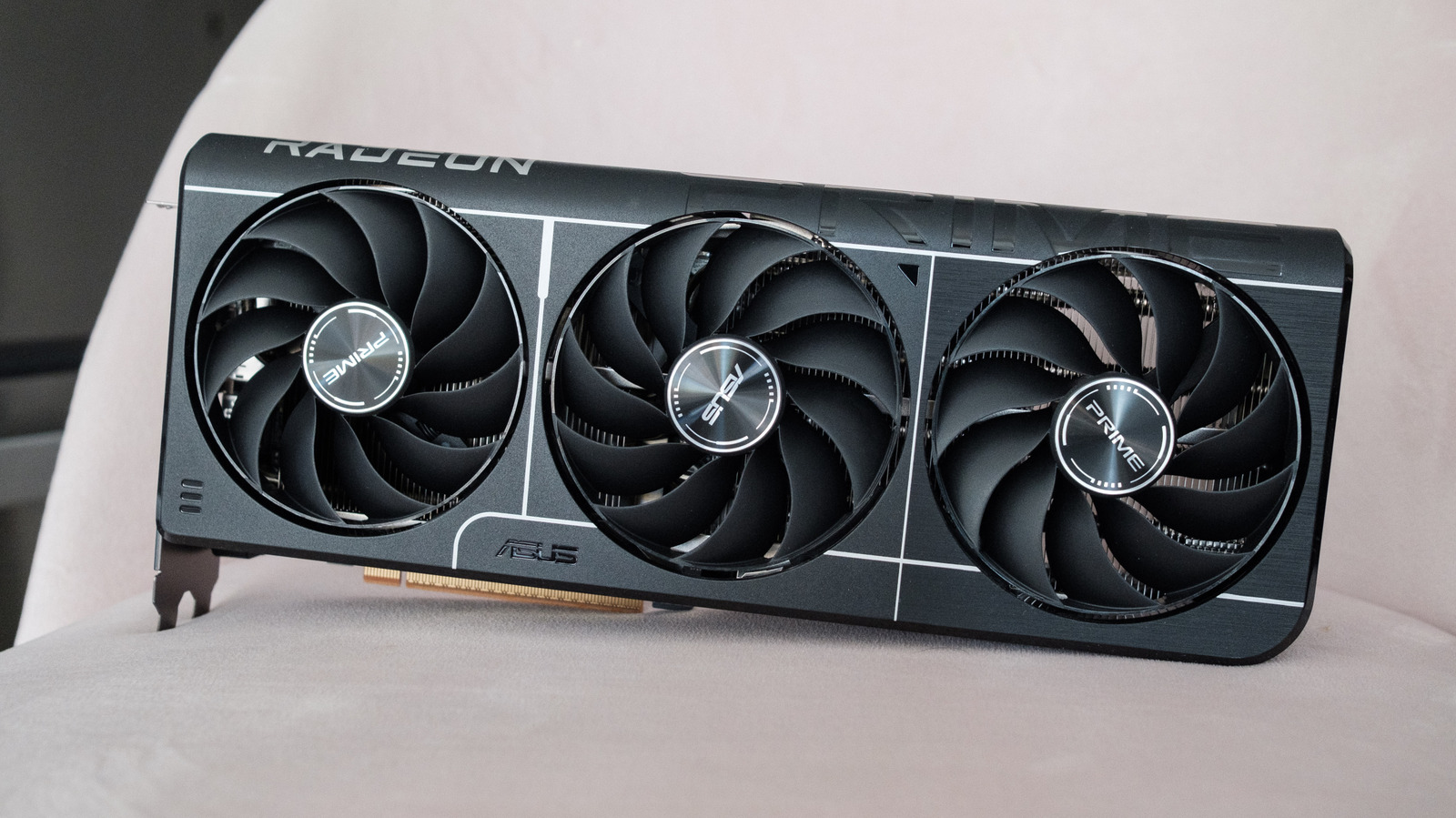
Removing and cleaning a GPU can be intimidating, but it's actually pretty simple.