EQUIPEngadget · 4h ago
Commons reasons your Android phone's icons won't move and how to fix it
Executive Brief
The 30-second read
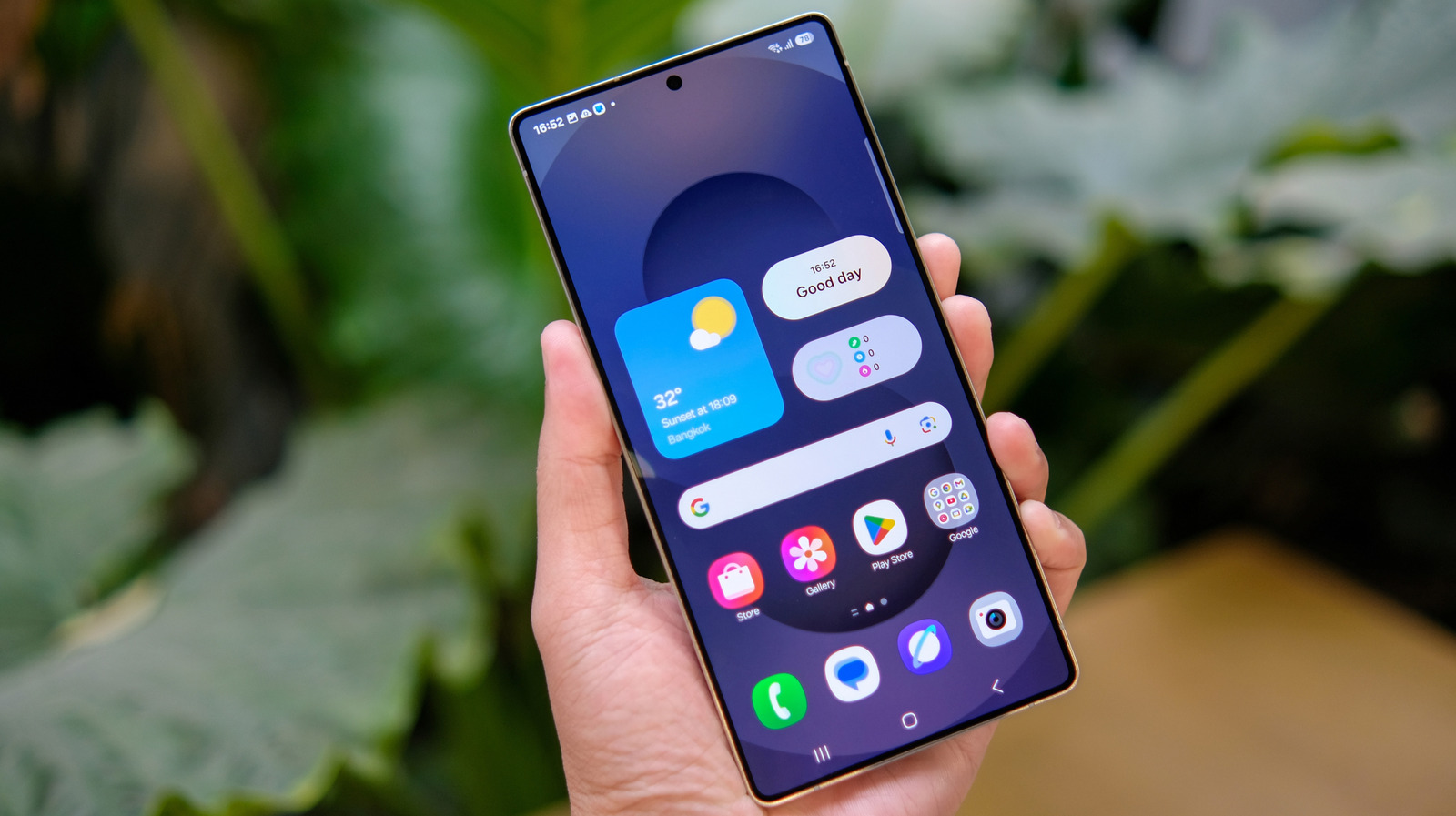
Android device interface issues preventing icon relocation are typically caused by activated home screen layout locks. Users must access home screen settings to disable these restrictions and restore organizational control over their mobile workspace.
- 01Home screen layout locks are the primary cause of restricted icon movement on Android devices
- 02Users can resolve interface rigidity by toggling off the Lock Home Screen setting
- 03Restoring icon mobility requires adjusting configuration within the primary home screen settings menu
Go deeper · Equip playbook
Business Travel Management 2026: Program Blueprint →AI-generated summary · Verify at source
It's most likely your home screen settings.