EQUIPEngadget · 6d ago
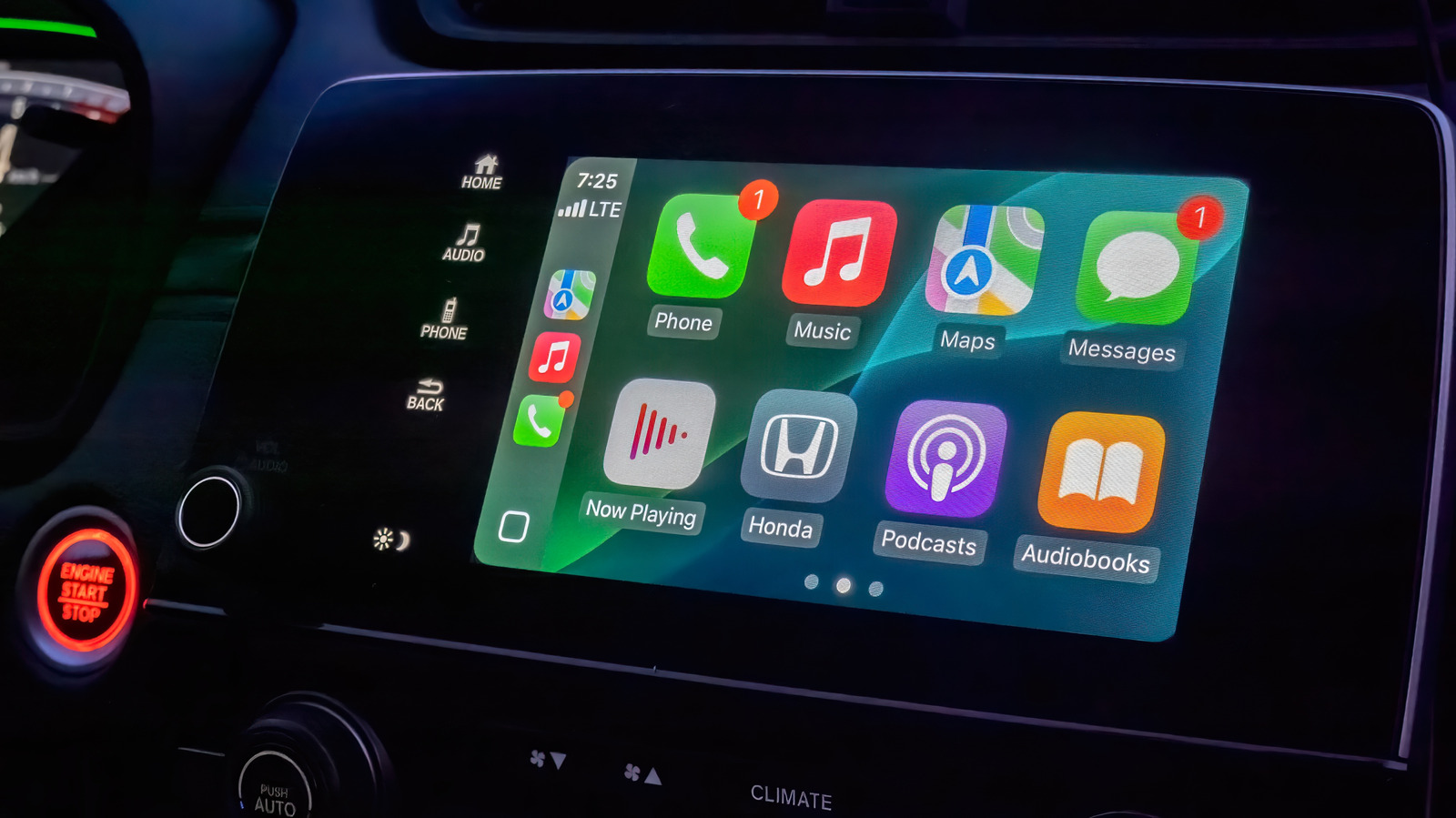
How to change and customize your Apple CarPlay display
Executive Brief
The 30-second read
Apple CarPlay offers limited but essential customization features to optimize the in-vehicle user interface. Executives should configure these settings manually to streamline navigation and access critical productivity applications during transit.
- 01Identify and adjust available display settings to enhance visual clarity and interface efficiency
- 02Customize the application layout to prioritize frequently used business and navigation tools
- 03Review system preferences to ensure the dashboard configuration meets specific professional travel requirements
- 04Proper initial setup minimizes distractions by organizing the limited functional options provided by Apple
Go deeper · Equip playbook
Business Travel Management 2026: Program Blueprint →AI-generated summary · Verify at source
CarPlay doesn't have a ton of customization options, but it's worth going through what's there to set it up properly.