EQUIPEngadget · 01 Sept
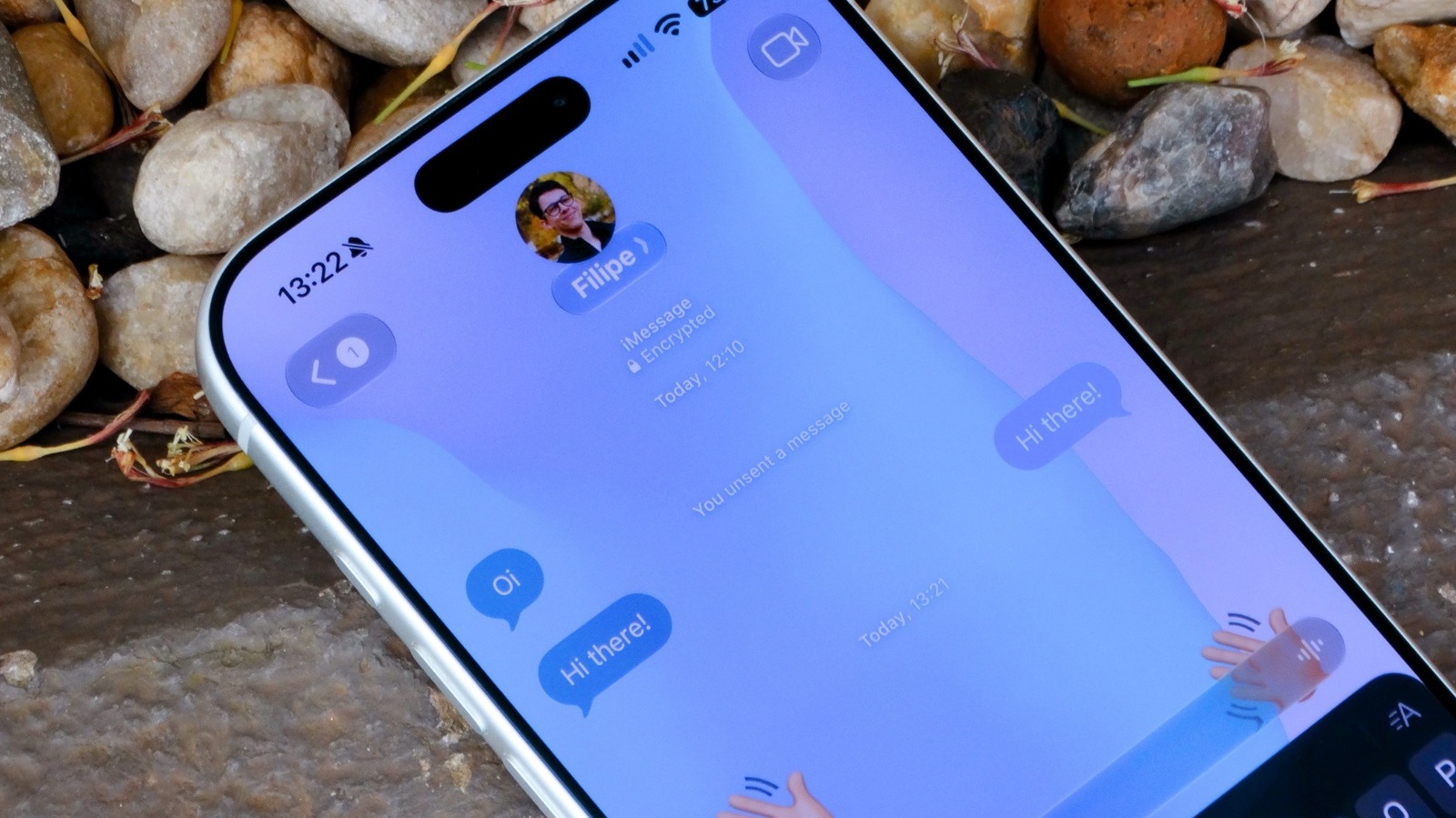
How to change the background on iPhone Messages
Executive Brief
The 30-second read
This briefing outlines the procedures for modifying the visual interface within the iPhone Messages application. Executives can utilize these settings to enhance legibility and personalize device aesthetics for professional use.
- 01Navigate to system settings to access display and interface customization options for native messaging
- 02Identify specific controls within the iOS environment that govern background appearance and themes
- 03Apply visual modifications to improve interface clarity during mobile business communications
Go deeper · Equip playbook
Business Travel Management 2026: Program Blueprint →AI-generated summary · Verify at source
How to change the background on iPhone Messages.