EQUIPEngadget · 2h ago
How to factory reset your Google Home Mini
Executive Brief
The 30-second read
This briefing outlines the technical procedures for performing a factory reset on legacy Google Home Mini hardware. Although Google has discontinued the device, maintaining operational security via data wipes remains essential for corporate environments.
- 01Locate the dedicated circular reset button positioned on the base of the device near the power cord
- 02Press and hold the reset button for approximately 15 seconds to initiate the restoration process
- 03Wait for the device to signal completion before attempting a fresh configuration or secure disposal
- 04Note that factory resets are irreversible and permanently delete all local settings and personal preferences
Go deeper · Equip playbook
Business Travel Management 2026: Program Blueprint →AI-generated summary · Verify at source
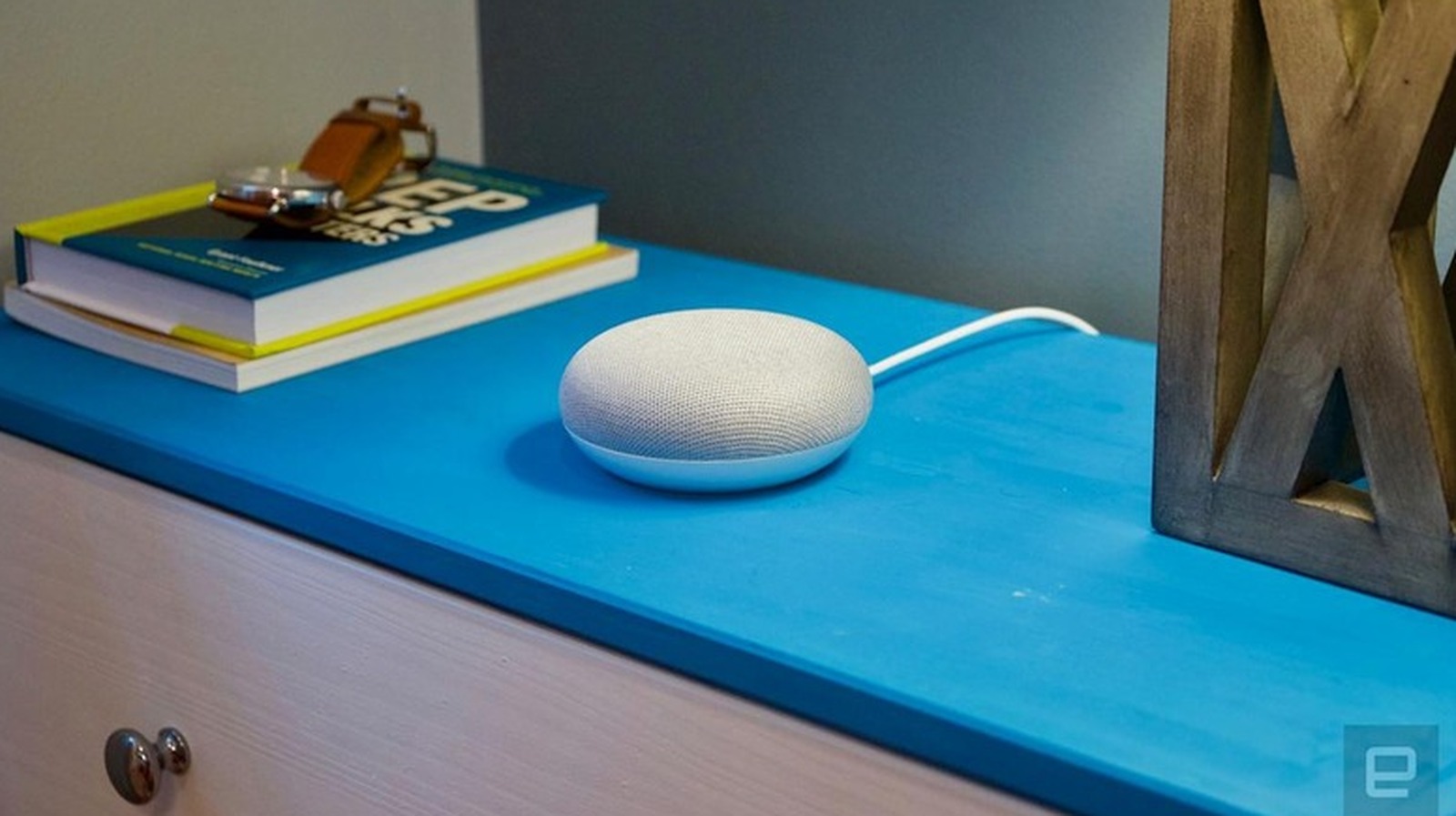
Google Home Mini speakers may have been discontinued, but there are plenty still being used. If you have one, let's talk about how to reset it.